
If you’ve signed in to Google, Amazon, or PayPal lately, you’ve probably seen the pop-up: “Create a passkey?” It promises no more passwords. But if you already use a password manager, it raises an awkward question. If passwords are on their way out, do you still need the app that stores them?
My answer to the passkeys vs password managers question is that it was never really a choice. Use passkeys wherever a site offers them, and keep them inside a password manager instead of scattering them across whichever phone or browser you happened to be holding at the time. Here’s why, and where passkeys still trip people up.
What a passkey actually is
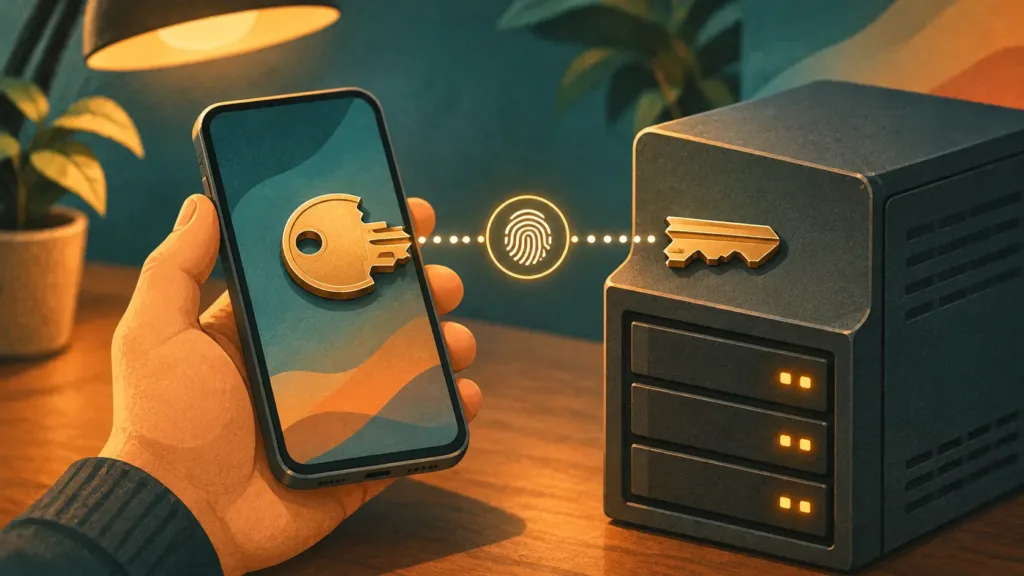
A passkey is a pair of matching digital keys. One half, the public key, sits with the website. The other half, the private key, stays on your device or in your password manager and is never sent anywhere. When you sign in, the site sends a challenge, your device proves it holds the private key, and you approve it with your fingerprint, face, or PIN.
Two things follow from that.
There’s nothing for you to type, so there’s nothing a fake login page can steal. And each passkey is tied to the real website’s address, so even a perfect copy of your bank’s login page can’t ask for it.
A password manager is the older idea: an encrypted vault that remembers a different strong password for every site and fills it in for you. It makes good passwords bearable, and it helps a little against phishing because it won’t autofill on the wrong site. But nothing stops you from copying a password out and pasting it into a fake page at 1 a.m.
The numbers are on the passkeys side
The FIDO Alliance, the industry group behind passkeys, surveyed 11,000 adults in ten countries in April 2026 for its State of Passkeys 2026 report. Ninety percent had heard of passkeys, and 75% had turned them on for at least some accounts. The same survey found that a third of people had either a confirmed account compromise or a breach notice in the past year, which is the problem passkeys are meant to fix.
The usage data is more interesting. FIDO’s Passkey Index 2026, published in October with data from 15 large consumer services, found that:
- 36% of successful sign-ins used a passkey, up from 26% a year earlier
- Passkey sign-ins succeeded 93% of the time, against 78% for passwords and traditional two-factor codes
- Passkey sign-ins were nearly three times faster, saving about 27 seconds each time
FIDO now estimates 7 billion passkeys are in use worldwide.
Two caveats. FIDO isn’t a neutral referee, since it created the standard. And this year’s Index draws on 15 companies instead of last year’s nine, so treat the jump from 26% to 36% as a trend rather than a precise measurement. Still, the sign-in numbers come from the services themselves, and they all point the same way.
Passkeys vs password managers: why it isn’t either/or
A password manager isn’t the opposite of a passkey. It’s one of the places a passkey can live. Bitwarden, 1Password, Proton Pass, and others store passkeys next to your passwords, and sync them across your devices the same way.
So the real choice is where your passkeys are kept:
| Passwords in a manager | Passkeys in Apple or Google | Passkeys in a password manager | |
|---|---|---|---|
| Phishing protection | Partial | Strong | Strong |
| Moving to another platform | Easy | Possible, only to apps that support the new transfer standard | Depends on the manager |
| Works on Linux and in Firefox | Yes, through the extension | Limited, often by scanning a QR code with your phone | Yes, through the extension |
| One place to manage everything | Yes | Only inside that ecosystem | Yes |
If you live entirely in Apple’s world or Google’s, the built-in option is fine. The moment you mix a Samsung phone with a Linux laptop, or Chrome with Firefox, a password manager starts earning its keep.
Where passkeys still trip people up
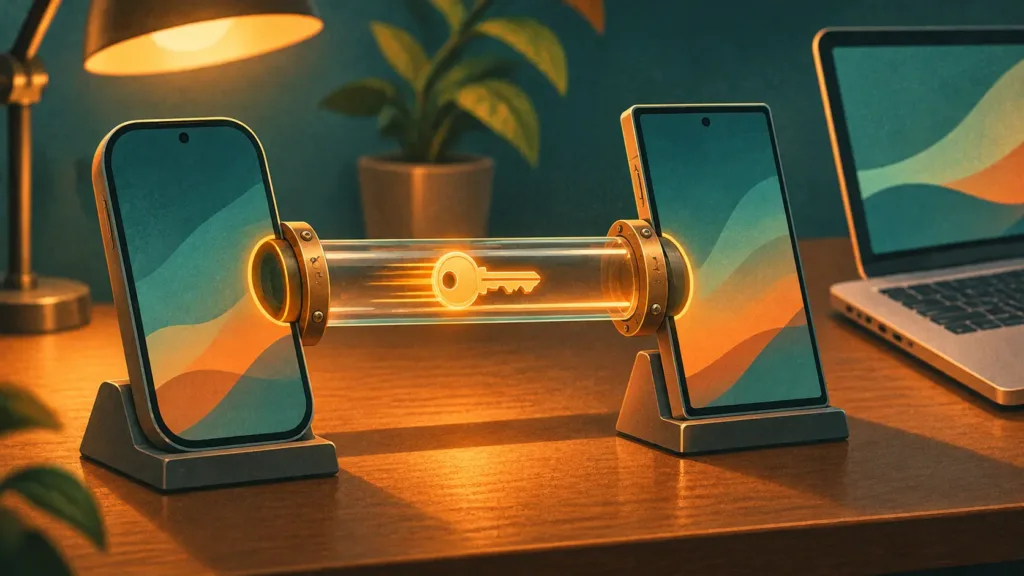
Moving between Apple, Google, and everyone else
For years, the biggest complaint was lock-in. Create a passkey on an iPhone and it lived in Apple’s world.
The fix is a FIDO standard called the Credential Exchange Protocol. It moves passwords and passkeys from one app to another in encrypted form, instead of dumping them into a plain spreadsheet file. According to Bitwarden, iOS 26 was the first major platform to support it, and Android followed through a Google Play services update. Bitwarden also notes one exception: passkeys that rely on a hidden security counter can’t be moved this way.
This one matters to me. I spent more than ten years on iPhone before moving to a Samsung Galaxy, and that kind of switch is exactly where locked-in passkeys used to hurt.
Both apps have to support the standard, though. As of this writing, Proton’s own pages don’t mention it for Proton Pass, and users are asking for it on Proton’s feedback board. Proton does say you can export passkeys from Pass the same way you export passwords, so you’re not trapped. You just won’t get the one-tap transfer yet.
The Linux desktop
Windows, macOS, Android, and iOS all have a built-in layer that handles passkeys for browsers and apps. The Linux desktop still doesn’t have a standard one, which is why a cross-desktop project called Credentials for Linux was presented at FOSDEM 2026 to build it.
Until that lands, your browser or your password manager’s extension does the work. I run Fedora with KDE Plasma and use Firefox as my main browser, and passkeys work fine for me. The missing layer is mostly invisible when a password manager extension handles passkeys, which is one more reason to keep them in one.
Losing every device at once
A synced passkey is only as recoverable as the account it syncs through. If your phone and laptop both disappear, you’re counting on getting back into your Apple account, your Google account, or your password manager.
A password manager gives you one more thing to protect, your master password. It also gives you one recovery plan to prepare instead of three.
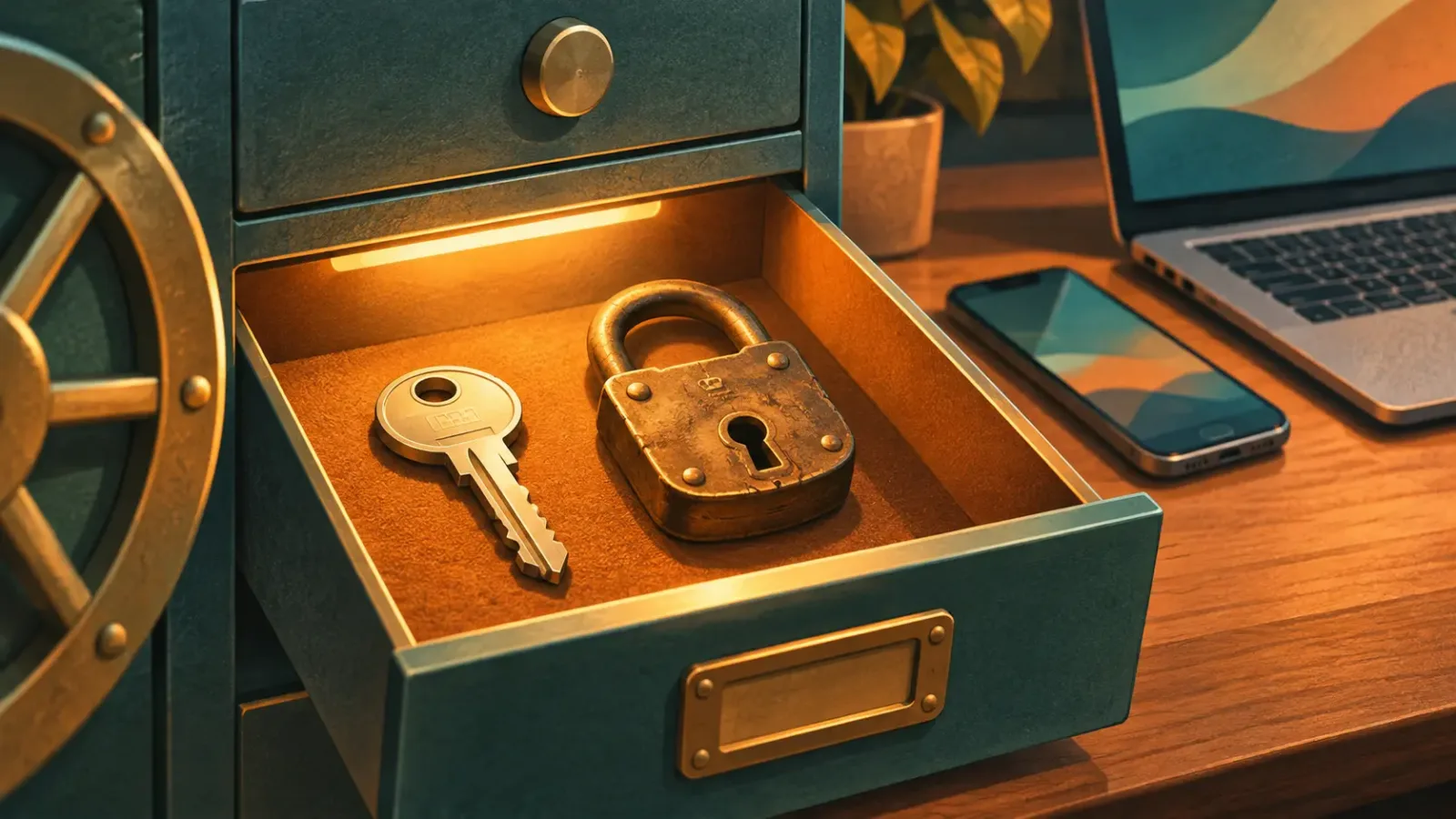
Pro Tip: Whatever holds your passkeys, save its recovery codes or emergency kit somewhere offline, like a printed page in a drawer. Do it the day you set it up, not the day you need it.
Your password usually doesn’t go away
Adding a passkey rarely deletes your password. On many sites, the old password, and often an SMS code, still works as a fallback, and an attacker will always go through the weakest door. FIDO’s own report makes the same point: deploying passkeys isn’t the same as getting rid of passwords. Even among the big services in its Index, most are only now planning to offer fully passwordless accounts within the next year.
That’s the strongest argument for keeping a password manager. Until the password is gone, it still needs to be long, unique, and stored somewhere safe.
How to set up passkeys with a password manager
I use Proton Pass as my password manager, but these steps work with any manager that supports passkeys:
- Pick one manager that covers every device you use. Check that it has an app for your phone and an extension for every desktop browser you use, Firefox on Linux included.
- Make it your phone’s default passkey provider. On both Android and iOS, you can choose a third-party app in the system’s passwords or autofill settings. The exact menu name varies by phone.
- Say yes when a site offers a passkey. Then check the save prompt. It should name your password manager, not the phone’s built-in one.
- Keep the password, and keep it strong. Leave it in your vault until the site lets you remove it.
- Store your recovery details offline. That means your manager’s emergency kit plus the backup codes for your most important accounts.
FAQ
Are passkeys safer than a password plus two-factor authentication?
Against phishing, yes. A one-time code from SMS or an authenticator app can be typed into a fake site and passed along to an attacker in real time. A passkey only works on the real site it was created for, so there’s nothing to relay.
Can someone who has my phone use my passkeys?
Not without unlocking it. Every passkey sign-in asks for your fingerprint, face, or device PIN. That makes a strong screen lock more important than ever, so skip the 1234.
Do I need a password manager if I only use Apple or only use Google?
Not strictly. Apple’s Passwords app and Google Password Manager both store passwords and passkeys and sync them across their own devices. A third-party manager pays off when you mix ecosystems, use Linux, or want everything in one vault.
What happens to my passkeys if I switch password managers?
If both apps support the Credential Exchange standard, you can move them directly. If not, you add a new passkey on each site from the new manager and delete the old one. It’s tedious, but you won’t be locked out.
So go ahead and say yes to that pop-up. Just make sure you know where the key is going before you hand it over.