

A week ago I switched my main browser from Brave to Firefox. Brave didn’t let me down. I wanted to give Mozilla’s engine a fair shot again, and that raised the obvious follow-up question: should I be on Firefox at all, or on one of its kids?
Firefox forks are having a moment. LibreWolf has a loyal privacy crowd, Zen is collecting Arc refugees, and Floorp keeps piling on customization options. I tried Zen and Floorp back in their early betas, and both felt like Firefox wearing a different skin.
So before settling in, I went through what each one actually changes in the three areas that should decide a browser switch: performance, security and privacy.
What Firefox Forks Actually Change
A fork takes Firefox’s source code and builds its own browser from it. LibreWolf, Zen and Floorp all use Gecko, the engine that draws web pages inside Firefox, and all three install extensions from Mozilla’s add-on site.
What changes is everything around the engine: the interface, the default settings, and what the browser reports back home. The engine work, including nearly every security fix, still comes from Mozilla. Each fork has to take every new Firefox release, reapply its own changes on top, and ship it again.
That rebuilding got harder this fall. Mozilla moved Firefox to a two-week release cycle starting with Firefox 155 on September 1, so every fork now has twice as many releases to chase as it did in the summer.
If you want the engine background first, I covered Gecko against Google’s Blink in Chromium vs Firefox.
Firefox Forks at a Glance
| Firefox | LibreWolf | Zen | Floorp | |
|---|---|---|---|---|
| Made by | Mozilla | Volunteer community | Small open-source team | Ablaze, a Japanese community project |
| Main idea | The reference browser | Privacy hardening out of the box | Arc-style workspaces | Deep interface customization |
| Telemetry | On by default, can be switched off | Removed | Removed | Mozilla’s telemetry disabled |
| Netflix and other DRM video | Yes | Off by default, can be switched on | No | No |
| Firefox Sync | Yes | Off by default, can be switched on | Yes | Yes |
| Updates | Automatic, every two weeks | Package manager or by hand (macOS can auto-update) | Its own frequent releases | Its own frequent releases |
Performance: Same Engine, Different Paint
The benchmark I trust here is Speedometer 3.1. It measures how quickly a browser responds while it clicks through demo web apps, like adding items to a to-do list. In my own runs, Brave still beats Firefox and every one of its forks.
Within the family, don’t expect a fork to rescue you. JavaScript, page layout and drawing all happen in the same Gecko code. Switching from Firefox to a fork for speed is like repainting a car to make it faster.
The differences live in the layer each fork adds on top:
- Zen and Floorp run their own interface code: sidebars, workspaces, split views. When that code has a bug, you feel it, and plain Firefox doesn’t have it. Floorp’s October 17 release, for example, fixed problems with idle memory use. Floorp also has an experimental setting that tries to give memory back while the browser sits idle.
- LibreWolf adds no features. It changes settings. It wipes your cookies and site data every time you close it, which you’ll notice less as lost speed and more as signing in to everything again each morning.
Security: The Patch Gap Is the Real Story

On November 10, Mozilla shipped Firefox 160 with a security advisory listing 99 vulnerabilities, 57 of them rated high. Firefox users got the fixes through the built-in updater.
Fork users waited for their fork. LibreWolf’s 160 build came out the next day, which is excellent. At the time of writing, the newest Zen and Floorp releases were still built on Firefox 159.0.1.
To be fair, both usually catch up within days, and Zen patched the previous serious hole shortly after Mozilla’s advisory. But with Firefox now on a two-week cycle, “a few days behind” happens twice a month.
My rule: a fork is only as secure as its maintainers are fast. A small team can be very fast, right up until the week somebody is sick or on holiday. Mozilla has a security team on payroll.
LibreWolf has two more details worth knowing:
- No Safe Browsing by default. That’s Google’s list of phishing and malware sites, which Firefox uses to show warnings. LibreWolf’s FAQ calls it a censorship concern, but still describes it as a good security tool that less technical users can turn back on safely. Setting LibreWolf up for a parent? Turn it on.
- No built-in auto-updater outside macOS. On Windows and Linux, updates come through your package manager or by hand. A browser you forget to update is less secure than any default setting can fix.
Privacy: Defaults Versus Discipline
Firefox
Out of the box, Firefox blocks known trackers and keeps each site’s cookies in its own separate jar, so one site can’t read another’s. Its stronger defenses against fingerprinting, where sites identify you by quirks like your screen size and fonts, are on in Private Browsing and Strict mode. Mozilla said in a November 10 post that it’s working toward enabling them for everyone.
The weak spots are the defaults Mozilla picks for itself. Telemetry, the usage data Firefox sends to Mozilla, is on until you switch it off. In 2025, Mozilla also dropped its blanket “we never sell your data” line. Its stated reason was that the legal definition of a “sale” is broad in some places. That’s a legal hedge, not proof that anyone is selling your browsing history, but it sent plenty of privacy-minded users looking at forks.
On AI, Firefox 148 added a single Block AI enhancements switch, which I mentioned in my about:config post.
LibreWolf
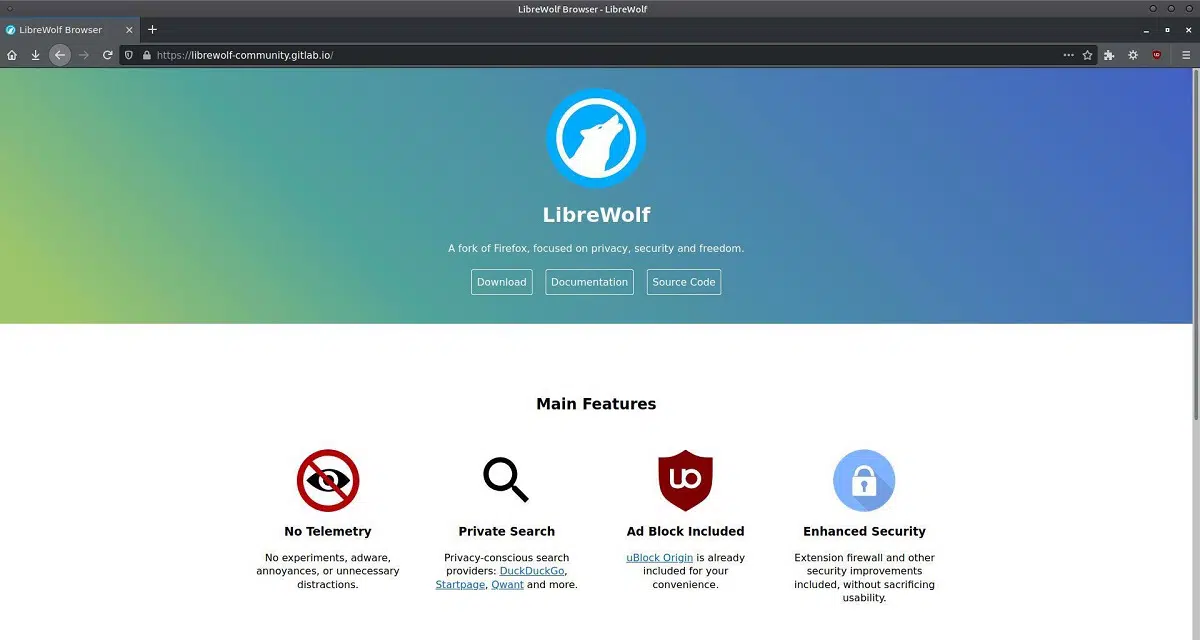
LibreWolf is the privacy maximalist. It ships with uBlock Origin, strict tracking protection, resist-fingerprinting mode, WebGL off, telemetry removed, Sync off, DRM off, and cookies cleared on close. Everything a privacy guide would tell you to configure is already configured.
That’s also why I’ve never installed it. Every convenience comes back as a chore: add a cookie exception for each site you want to stay logged in to, switch DRM back on, enable Sync, remember to update. LibreWolf has a big name and a lot of followers, and for me the hassle outweighs the value.
Resist-fingerprinting mode has its own side effects too, like wrong time zones and sites that ignore your dark mode setting.
Zen
Zen’s privacy policy says it stripped out Firefox’s telemetry and crash reports. Beyond that, you mostly get Firefox’s own protections.
The bigger catch is streaming. Zen has no Widevine license, the Google technology most streaming sites use for copy protection. Its FAQ says that means no Netflix or HBO Max on Windows and macOS.
Floorp
Floorp also disables Mozilla’s telemetry. It has the same streaming problem: Floorp’s documentation says it has no official Widevine support yet and that it has contacted Widevine about the requirements.
Features: Where Zen and Floorp Try to Earn the Switch

Zen
Zen is built around the Arc way of working: vertical tabs in a sidebar, separate Spaces for different parts of your life, split view, a compact mode that hides the interface, and Mods and Boosts for restyling the browser and individual sites. Its October update added import of Spaces and profiles from Arc and Dia, which is good timing with Arc on its way out.
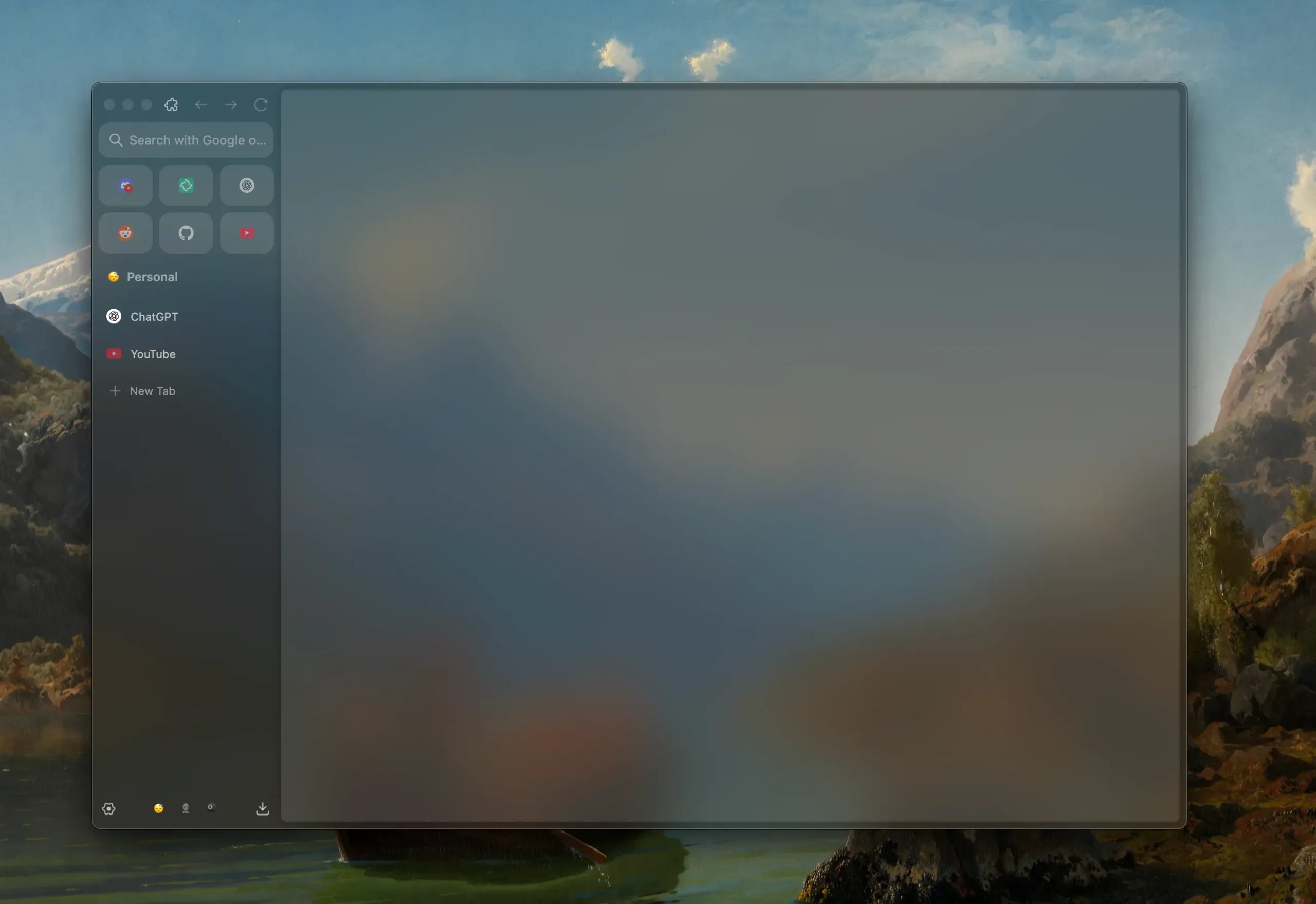
When I tried an early beta, I wasn’t impressed. Vertical tabs in Edge and Brave felt much better to me. Firefox itself now has vertical tabs, tab groups and split view built in, which leaves Zen’s lead looking thinner every release.
Floorp
Floorp is for people who want to change everything. It has its own settings hub, a sidebar of web panels, workspaces that can now sync across devices through a Mozilla account, two-level tab stacks, split view with up to four panes, mouse gestures and built-in notes.
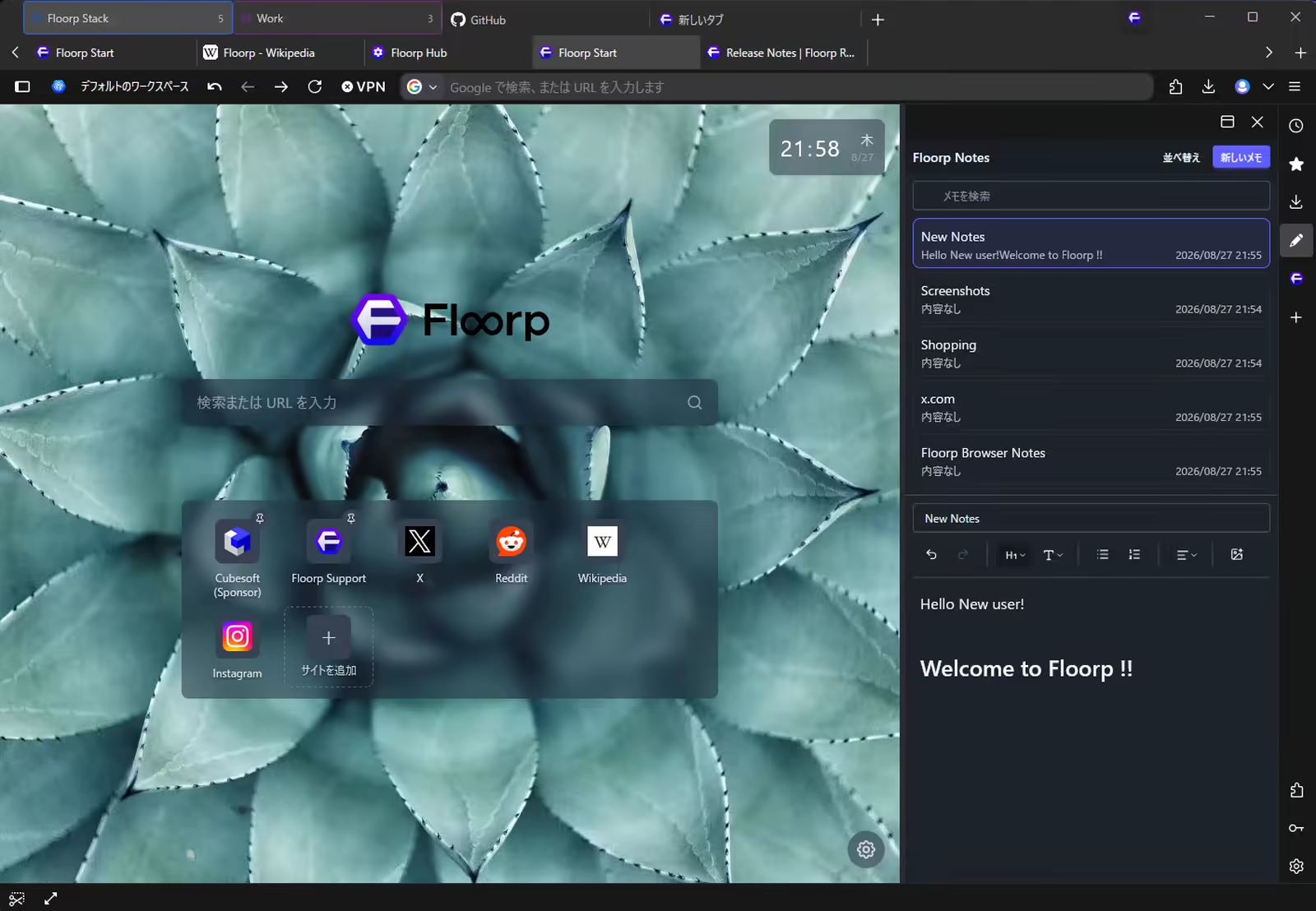
It’s genuinely the most customizable of the three. It also pays the biggest fork tax. When Mozilla rolled out its Nova redesign in Firefox 157, Floorp switched Nova off and warned that some of its own design options might stop working or look inconsistent for a while. When I tried Floorp 12 in early beta, it had plenty of issues.
LibreWolf
Nothing to see, on purpose. It looks and works like Firefox with a strict configuration.
Pro Tip: You can get most of LibreWolf’s privacy without leaving Firefox. In Settings, set Enhanced Tracking Protection to Strict, turn off data collection under Privacy & Security, flip Block AI enhancements, and install uBlock Origin. You keep Mozilla’s patch speed and working Netflix.
Which Firefox Fork Fits Which Person
- Most people: Firefox. Fastest security fixes, streaming works, Sync works. Spend five minutes in Settings and you’re done.
- Privacy first, convenience second: LibreWolf. Pick it if signing in again every day doesn’t bother you and you’ll keep it updated yourself.
- Arc refugees and tab hoarders: Zen. Pick it if you don’t stream Netflix or HBO Max in your browser on Windows or macOS.
- Tinkerers: Floorp. Pick it if you love Vivaldi-style control and can live with things breaking when Firefox changes its look.
- Speed above everything: none of them. In my Speedometer runs, Brave still wins.
If maximum privacy is the whole point, a hardened browser like Mullvad Browser is a different category. I covered it in my privacy browsers post.
Why I’m Staying With the Parent
Before settling in, I read through each fork’s feature list in case one gave me a reason to switch. None did. Zen’s and Floorp’s best ideas are either already in Firefox or not worth losing streaming and a few days of patch lag over. LibreWolf’s best ideas are one Settings page away.
So I’m on plain Firefox, and I’m giving the family a proper second chance. Whether Brave gets its seat back is a question for another month.
Frequently Asked Questions
Are Firefox forks safe to use?
The well-maintained ones are, as long as they keep up with Mozilla’s security releases. Check when your fork last updated its Firefox base. A fork that’s weeks behind is missing real fixes.
Do Firefox extensions work in LibreWolf, Zen and Floorp?
Yes. All three run on Firefox’s engine and install add-ons from Mozilla’s add-on site. uBlock Origin works fully in all of them.
Can I watch Netflix in Zen or Floorp?
Not reliably. Neither has an official Widevine license, which most streaming services need. In LibreWolf, DRM is off by default, but you can switch it on in Settings.
Is LibreWolf more private than Firefox?
By default, yes: it ships with stricter settings and no telemetry. You can get most of the way there in Firefox yourself, and keep Mozilla’s faster updates and working Safe Browsing.