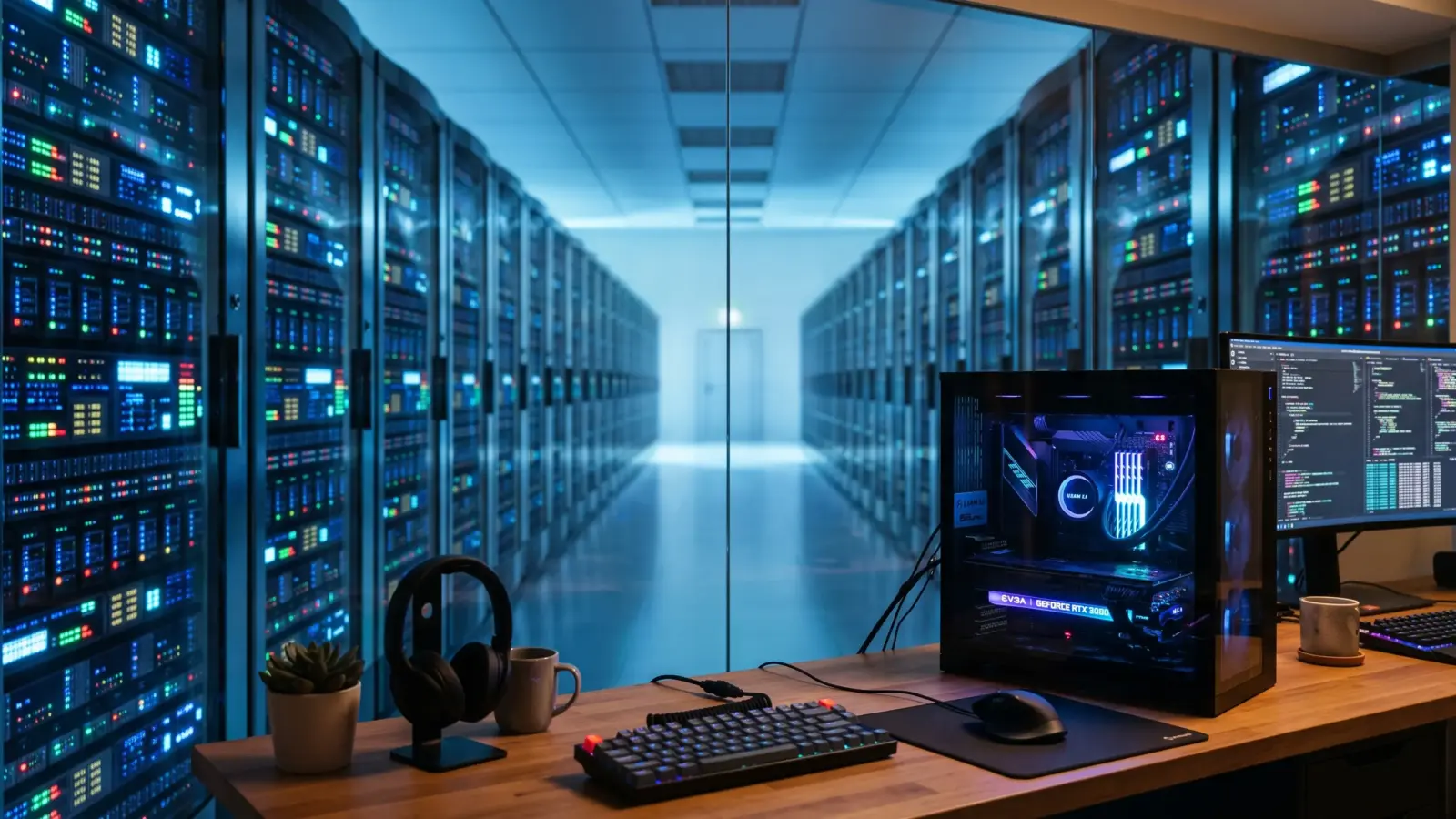

In my 2026 AI models showdown I compared the giants: GPT-6 Astra, Claude Opus 5.5, and Gemini 3.1 Pro. All three live in someone else’s data center. This post is about the other option: local AI models that run on your own computer, with no account and no internet connection. I mentioned Ollama and LM Studio for free autocomplete in my CLI vs GUI coding tools post, and they deserve a full look.
My take up front: you don’t have to pick a side. Use a local model for anything private, offline, or repetitive. Use a frontier model for the hard stuff. The skill is knowing which job goes where.
What “local” and “open-weights” mean
A language model is a very large file of numbers called weights. Whoever holds that file can run the model.
- Frontier models like GPT-6 Astra and Claude Opus 5.5 keep their weights private. You rent access through an app or an API (a paid connection for developers), and your prompt travels to the company’s servers.
- Open-weights models publish the file. Google’s Gemma, Alibaba’s Qwen, and OpenAI’s gpt-oss are examples. You download one once and run it on your own hardware.
“Open-weights” isn’t the same as open source. You get the finished model, not the training data or the recipe. For running it at home, that’s enough.
How far behind are local AI models?
Closer than most people think, and further than the fans admit.
Epoch AI, a research nonprofit that tracks AI progress, has measured this two ways. In May 2026 it reported that the best open-weights models trail the best closed models by about four months. That sounds like a tie, but those top open models are enormous. They need server hardware, not a gaming PC.
The number that matters at home comes from a separate Epoch AI analysis of consumer graphics cards. Models small enough to fit on one high-end card match frontier performance from 6 to 12 months earlier. That study dates from August 2025 and I couldn’t find a newer edition, so read it as a pattern, not a current score. Epoch adds its own warning too: small models tend to be tuned for benchmarks, so the gap in everyday use is probably longer.
So a good home setup gets you roughly last year’s flagship. For plenty of jobs, that’s more than enough.
What frontier models still do better
Three things, and they’re big ones.
- Long, multi-step work. Astra’s headline feature is computer use: it operates apps and browsers by itself for long stretches. Small local models lose the thread much sooner.
- Huge inputs. The flagships hold about a million tokens (chunks of text a bit smaller than a word) in view at once. On a home graphics card, memory runs out long before that.
- The hardest reasoning. Tricky bugs, dense legal or scientific questions, anything where one wrong step ruins the answer.
You pay for it. OpenAI launched Astra’s API at $10 per million input tokens and $50 per million output tokens. A local model costs electricity.
Where local wins: privacy, offline, and no meter running
With a cloud model, your prompt leaves your machine, and what happens next depends on a privacy policy and which plan you pay for. With a local model there’s nothing to send. LM Studio’s documentation says that once a model is downloaded, nothing you type or upload leaves your device.
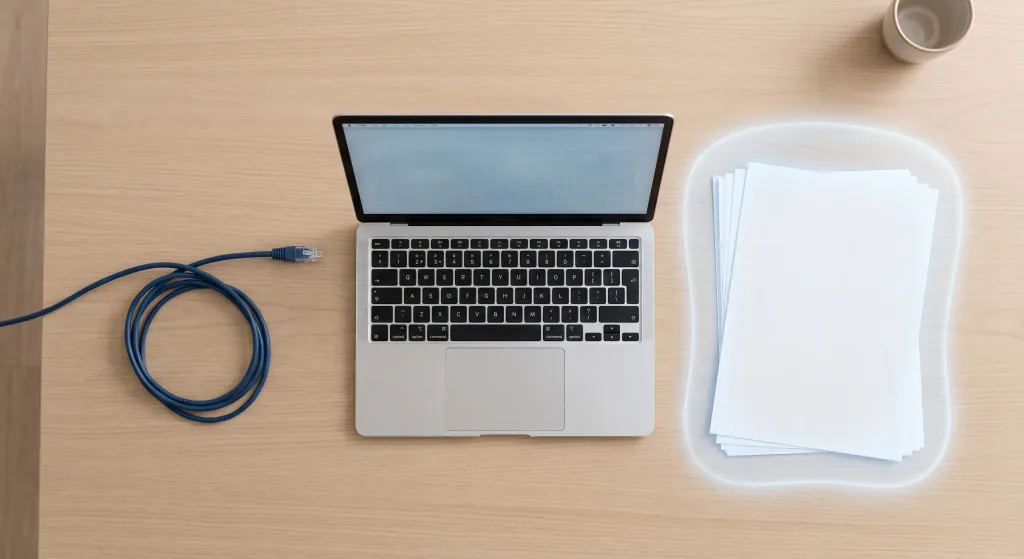
That makes local the right home for:
- Contracts, medical results, bank statements, and anything else you wouldn’t email to a stranger
- Client code or work files covered by an NDA (a confidentiality agreement)
- Journals and personal notes
- Flights and bad hotel Wi-Fi
- High-volume chores like code autocomplete, where per-token billing adds up
One catch. “Runs in Ollama” no longer always means “runs on your computer.” Ollama now offers cloud models that are offloaded to its own servers. They need an account and carry “cloud” in the model name.
Ollama’s privacy policy says it doesn’t store those prompts or train on them, but they do leave your machine. The same docs page describes a local-only mode that turns the cloud features off.
What your hardware can run
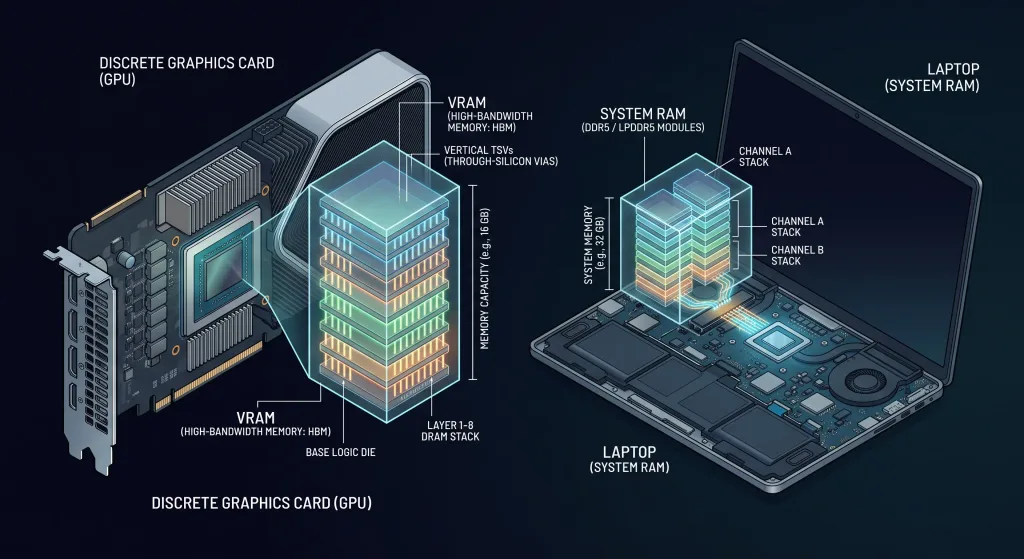
Two terms first. VRAM is the memory on your graphics card, and it decides how big a model fits. Quantization is compression: the model’s numbers are stored at lower precision so the file shrinks, at a small cost in quality. Almost every model you download for home use is quantized.
Apple Silicon Macs share one pool of memory between the processor and the graphics chip, so a 32 GB Mac can load models that would need an expensive graphics card on a PC.
| Your machine | Model size that fits | Examples to try |
|---|---|---|
| 12 GB graphics card, or 16 GB Mac | Around 12 billion parameters | gemma4:12b |
| 16 GB graphics card, or 24 GB Mac | Around 20 billion parameters | gpt-oss:20b |
| 24 GB graphics card, or 32 GB Mac | Around 27 billion parameters | qwen3.6:27b, gemma4:26b |
| 32 GB graphics card, or 48 GB+ Mac | Up to about 40 billion parameters | gemma4:31b, qwen3.6:35b |
Treat the table as a rule of thumb. Model names change every few months, so check the download size on the model’s page first.
Quick setup: Ollama or LM Studio
Pick LM Studio if you want a normal app with a chat window. Pick Ollama if you’re comfortable in a terminal or want other tools to talk to the model. Both are free for local use.
LM Studio
- Download it from lmstudio.ai and install it. It supports Apple Silicon Macs, Windows, and Linux.
- Open the Discover tab, search for a model from the table, and download it.
- Load the model and start chatting.
Ollama
- Install it from ollama.com.
- Open a terminal and run a model by name. The first run downloads it.
- Type your question.
ollama lslists what you’ve downloaded, andollama rmplus a model name deletes one.
ollama run gemma4:12bPro Tip: After the download finishes, turn off your Wi-Fi and ask the model something. If it answers, it’s local. The test takes ten seconds, and it’s the only proof that counts.
Which job goes where
| Task | My pick | Why |
|---|---|---|
| Summarizing a contract or medical report | Local | The file never leaves your machine |
| Code autocomplete all day | Local | Free, fast enough, no meter |
| Reworking a large codebase | Frontier | Long multi-step work needs the top tier |
| Anything where a wrong answer is expensive | Frontier, then check it | Best reasoning available, still not proof |
The Verdict
Frontier models are the better models. Local AI models are the better default for anything you wouldn’t hand to a stranger.
I’d set up both: a local model for the private pile and the daily chores, and one frontier subscription for the jobs that are too hard for it.
Frequently Asked Questions
Are local AI models really free?
The software and the models are. Ollama and LM Studio cost nothing for local use, and open-weights models are free to download. You pay in hardware and electricity.
Do local AI models work without internet?
Yes, after the first download. You need a connection to fetch the app and the model, then you can go fully offline.
Is a local model as good as GPT-6 Astra or Claude Opus 5.5?
No. Epoch AI’s research suggests a model that fits on one home graphics card matches where the frontier was 6 to 12 months earlier, and probably further back in everyday use.
Is everything in Ollama private?
Only the local models. Models with “cloud” in the name run on Ollama’s servers and need an account, so check the name before you run one.