
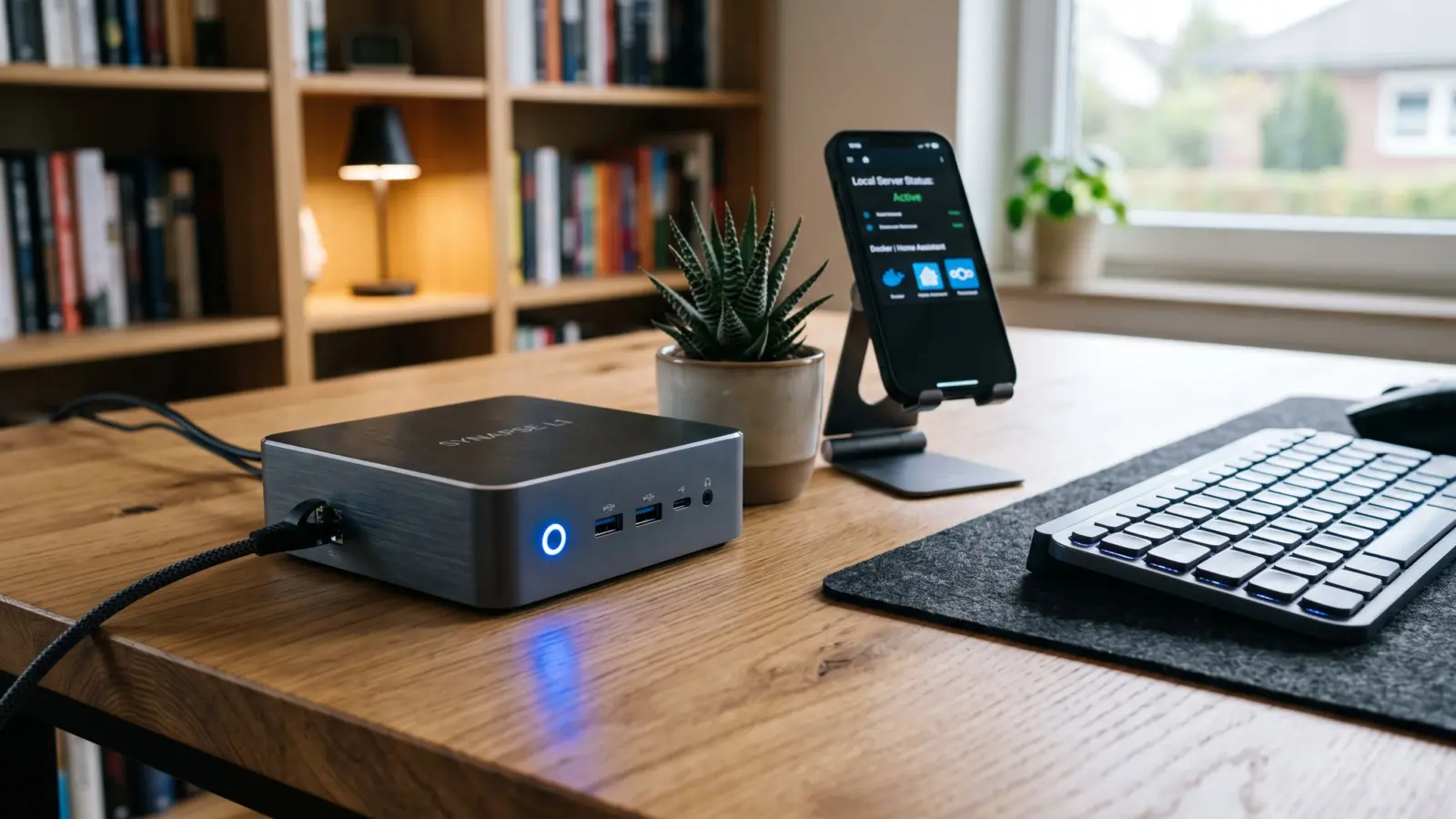

The Subscription Fatigue Is Real
Hey everyone, Eyad here! Welcome back to ComputerJy World.
If your monthly credit card statement looks anything like mine used to, you are probably paying an ongoing “digital rent” tax. Between Google One, iCloud, password managers, and cloud sync services, we are constantly bleeding $2.99 here and $9.99 there just to access our own data.
Even worse, you are handing total custody of your private photos, passwords, and tax documents to companies that routinely change their terms of service, train behavioral algorithms on user habits, and increase subscription prices whenever quarterly profits dip.
There has never been a better moment to pull your data back home.
The Tipping Point: Why Self-Hosting Is Finally Feasible
A few years ago, recommending self-hosting to ordinary computer users was terrible advice. You used to need a dedicated server rack sounding like a jet engine in your closet, messy port forwarding on your router, and a deep understanding of dynamic DNS scripts just to read an uploaded PDF outside your local Wi-Fi.
Today, that steep barrier to entry has completely crumbled.
Between ultra-efficient low-power mini PCs, container engines like Docker, and zero-config mesh networking tools, running your own personal micro-cloud is now virtually plug-and-play.
Pro Tip: Self-hosting does not mean you have to host your own email server or build an off-grid datacenter. It simply means taking ownership of your primary daily data points while keeping management overhead low.
The “Painless Three”: What You Should Actually Self-Host First
Do not try to replace every commercial service on day one. You will burn out, break a database, and run right back to commercial providers.
Instead, focus on the three everyday essentials that deliver the highest privacy return with the lowest maintenance burden.
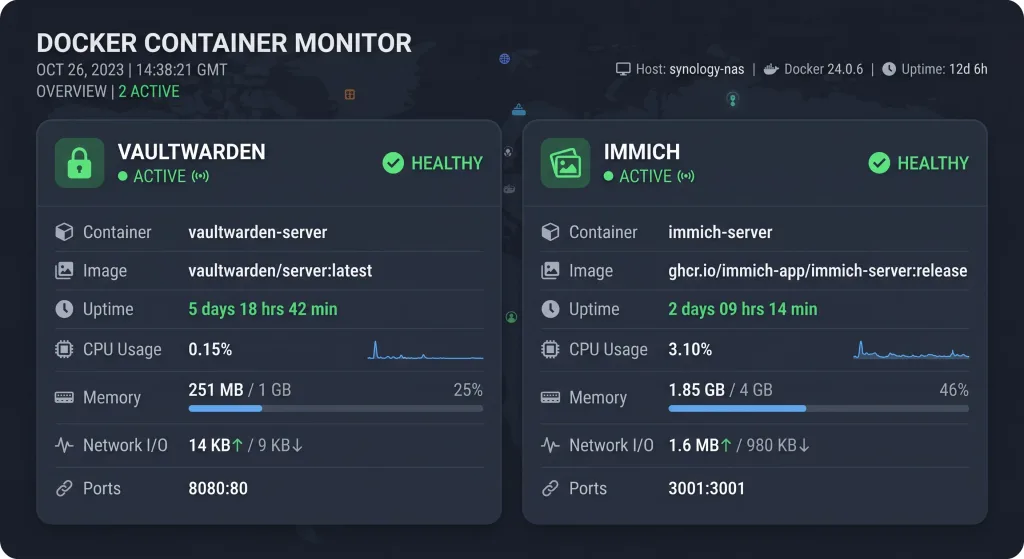
1. Passwords & Credentials (Vaultwarden)
Your password database is the master key to your entire digital identity. Storing it with third-party proprietary vaults means trusting their internal security protocols and encryption implementation.
Vaultwarden is an ultra-lightweight, Rust-based alternative backend implementation of the Bitwarden API. It uses a microscopic amount of RAM (often under 50 MB) and works natively with all official Bitwarden desktop applications, browser plugins, and mobile apps.
2. Personal & Family Photos (Immich)
Google Photos and Apple Photos are convenient, but paying monthly storage fees just to have machine-learning algorithms catalog your family albums feels increasingly invasive.
Immich has become the gold standard of self-hosted media managers. It features automatic background mobile backup, facial recognition, reverse geocoding, and smooth timeline scrubbing that matches the commercial experience pixel-for-pixel.
3. File Sync & Daily Documents (Syncthing)
If you want to keep project folders, documents, and notes synced across your laptop, desktop, and phone without uploading anything to a public server, look no further than Syncthing.
Unlike traditional cloud drives that store files on a centralized third-party server, Syncthing synchronizes files directly peer-to-peer using encrypted transfers. It is fast, resilient, and completely invisible once set up.
Choosing the Right Hardware: Stop Buying Enterprise Racks
You do not need an expensive server to run a family-sized self-hosted ecosystem. In fact, buying used enterprise rack gear is usually a mistake due to high power draw, excessive noise, and thermal waste.
Here is a quick look at your practical hardware options for running home services:
| Hardware Type | Typical Idle Power | Best Suited For | Difficulty |
|---|---|---|---|
| Intel N100 Mini PC | 6W – 10W | The sweet spot: Docker, Immich transcoding, file sync | Very Easy |
| Raspberry Pi 5 | 4W – 7W | Lightweight utilities: Pi-hole, Vaultwarden, Syncthing | Easy |
| Old Laptop / Desktop | 15W – 45W | Testing the waters before spending money on hardware | Very Easy |
| Pre-built NAS (Synology) | 15W – 30W | Users wanting hardware RAID and a point-and-click GUI | Beginner |
For most people, a modern Intel N100 or N97 mini PC with 16GB of RAM is the absolute price-to-performance champion. It easily sips less electricity in a month than an old light bulb while handling hardware-accelerated video transcoding without breaking a sweat.
The Secret Sauce: Zero Port Forwarding
The biggest safety mistake new self-hosters make is opening ports on their home router to access their dashboards from the road. Exposing open ports directly to the public internet invites automated botnets, script kiddies, and credential stuffers to knock on your door 24/7.
Instead, leverage modern overlay mesh VPN networks such as Tailscale or WireGuard.
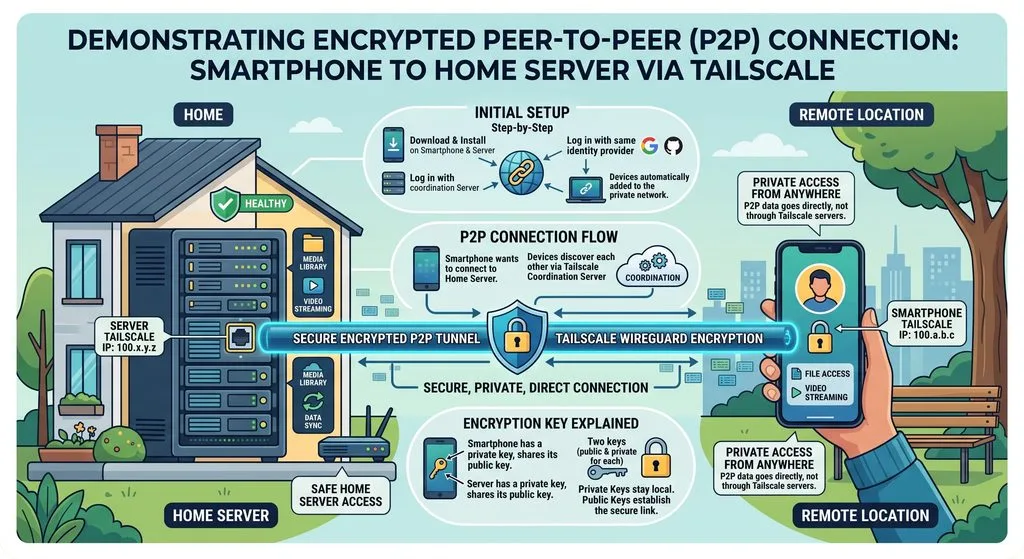
Tailscale creates a secure, encrypted peer-to-peer connection between your devices regardless of where you are in the world. Your phone connects to your home server as if it were sitting on your living room table, with zero port forwarding required on your router.
[Your Phone on 5G / Hotel Wi-Fi]
         |  (Encrypted WireGuard Mesh)
         v
[Your Home Mini PC Server: Tailscale IP]
The Golden Rule: The 3-2-1 Backup Strategy
Hosting your own data brings incredible digital freedom, but it also means taking personal responsibility for your files. Hard drives will fail, filesystems can corrupt, and human error happens.
Never consider your self-hosted setup complete without implementing the trusted 3-2-1 Backup Rule:
- Keep 3 copies of your data: One primary production copy, and two independent backups.
- Use 2 different storage media types: For example, your primary server NVMe drive and an external USB hard drive.
- Keep 1 copy off-site: Send an encrypted backup copy to an off-site location, such as a friend’s house or an inexpensive cold-storage bucket like Backblaze B2.
Tools like Restic or BorgBackup automate this process entirely, encrypting snapshots on your machine before they ever leave your local network.
Taking Back Control, One Service at a Time
Taking control of your digital life does not require becoming an overnight Linux system administrator or unplugging completely from modern society.
Start small. Set up an inexpensive mini PC, install your chosen software packages inside containers, access them securely via an encrypted mesh network, and watch your monthly subscription bills disappear.
Once you realize how fast and responsive your private cloud runs on your own terms, you will wonder why you ever rented your digital life out in the first place.



[…] Want a safety net under any browser? Add a DNS filter on a home server. It’s a nice weekend project if you’re already self-hosting at home. […]