
If you caught my recent deep dive into choosing the right Linux distribution, you already know my golden rule: picking a distro isn’t about tribal allegiance—it is about finding an ecosystem that stays out of your way. But once you settle into your ideal desktop environment debate between GNOME and KDE, the next headache arrives immediately.
How on earth should you install your software?
Long gone are the days when native .deb or .rpm packages were your only choices. Today, the desktop space is dominated by “universal” packaging formats promising zero dependency hell and effortless updates.
The trouble is, we now have three major contenders fighting for your SSD: Flatpak, Canonical’s Snap, and the self-contained AppImage. Which one actually deserves to live on your machine? Let’s break it down without the fanboy fluff.
The Dependency Nightmare Universal Packages Fix
In traditional Linux management, installing an application means pulling in specific shared libraries from your distribution’s software repositories. If two apps require different versions of the same shared library, everything breaks.
Universal packages solve this by bundling an application together with its required dependencies into a self-contained runtime environment.
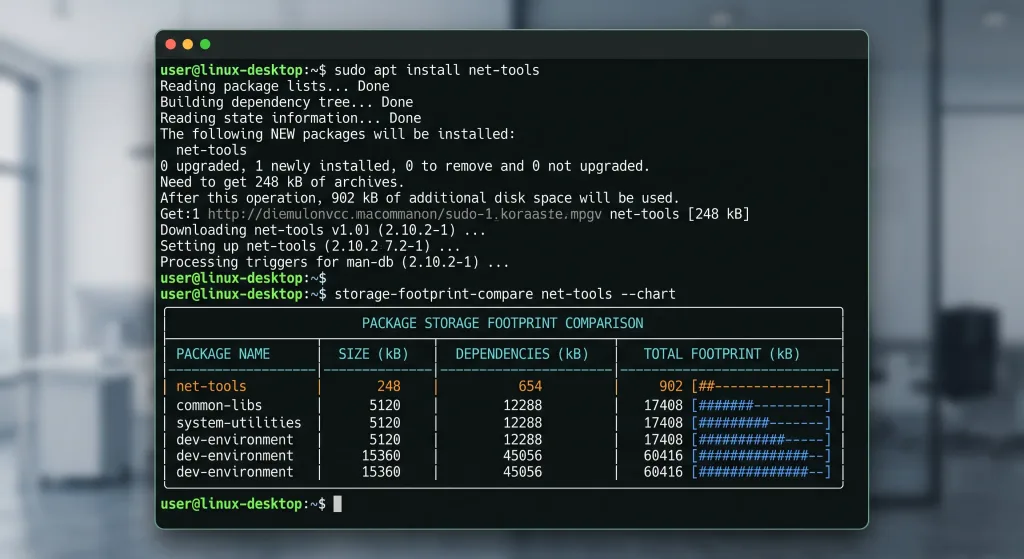
While this approach guarantees that your favorite photo editor or chat app runs reliably across Fedora, Ubuntu, and Arch, it comes at a price: increased disk usage and performance trade-offs.
1. Flatpak: The Desktop Community Favorite
Flatpak was built from the ground up for one specific goal: desktop applications. Developed under the freedesktop.org umbrella, it has become the default universal packaging solution for distributions like Fedora, Linux Mint, and Pop!_OS.
Where Flatpak Shines
- Shared Runtimes: Flatpak uses centralized runtime layers (such as the GNOME or KDE runtime). If three Flatpaks rely on the same runtime, they share those files, saving precious drive capacity.
- Flathub Integration: Flathub has effectively become the de facto app store for Linux, providing immediate access to first-party builds of apps like Discord, Steam, and Obsidian.
- Granular Permissions: Using GUI tools like Flatseal, you can toggle webcam access, network privileges, and folder permissions for any app in seconds.
The Trade-Offs
Flatpak requires an initial download penalty for each runtime tier. Additionally, permission sandboxing occasionally blocks desktop apps from opening local configuration directories until you tweak permissions manually.
Pro Tip: Install Flatseal immediately alongside Flatpak. It turns sandbox permission tweaking from a tedious terminal command into a simple toggle switch.
2. Snap: Canonical’s Heavy-Duty Ecosystem
Created by Canonical for Ubuntu, Snap is broader in scope than Flatpak. It was engineered to package everything: desktop apps, CLI utilities, background services, and entire server kernels.
Where Snap Shines
- System Services and CLI: Unlike Flatpak, Snap can package command-line tools and system daemons effortlessly.
- Auto-Updates: Snaps update automatically in the background with seamless rollback features if a new version fails.
- Strict Confinement: Its AppArmor-backed sandboxing model is robust and enterprise-grade.
Why Enthusiasts Push Back
- Slow Cold Boots: Because Snaps are compressed SquashFS filesystem images mounted at boot, launch times on mechanical drives or budget CPUs can lag noticeably.
- Tied to the Canonical Backend: The Snap Store backend is proprietary, meaning Canonical retains sole control over the central catalog.
- Loop Mount Clutter: If you run
lsblkin your terminal, prepare to see dozens of virtual loop mounts cluttering your disk overview.
3. AppImage: The Ultimate Portable Executable
If you miss the simplicity of downloading a single .exe file on Windows or a .dmg on macOS, AppImage is your answer.
An AppImage is a single file containing both the application and all necessary libraries. You download it, flag it as executable, and double-click to launch.
Where AppImage Shines
- Zero Installation: No package managers, no root permissions, and zero system modifications required.
- Great for Offline Use: You can keep a library of essential utilities on an external USB flash drive and run them on virtually any modern Linux machine.
- Multiple Concurrent Versions: Need to test Blender 4.1 against Blender 4.2 without messing up your workflow? Run both AppImages side-by-side without conflicts.
What Holds It Back
By default, AppImages lack system-level desktop menu integration and automatic background updates. You must use third-party helpers like AppImageLauncher or Gear Lever to keep your application menu tidy.
Head-to-Head Comparison
| Feature | Flatpak | Snap | AppImage |
|---|---|---|---|
| Primary Focus | Desktop Apps | Desktop, CLI, & Servers | Standalone Portable Apps |
| Sandbox Security | Bubblewrap (High) | AppArmor (High) | None (Default) |
| Disk Efficiency | High (Shared Runtimes) | Moderate (Deduplication) | Low (Duplicated Libs) |
| Store Decentralization | Open (Custom repos) | Closed (Canonical store) | Fully decentralized |
| Startup Speed | Fast | Slower (First cold boot) | Instant |
| Best For | Everyday desktop daily drivers | Server tools & Ubuntu users | Portable test builds & USBs |
The Eyad Verdict: Which One Should You Default To?
You do not have to pick a single winner, but establishing a clear hierarchy will keep your system lean and organized:
- Default to Flatpak for graphical desktop apps. The community backing is massive, Flathub is consistently updated, and runtime deduplication keeps your storage reasonable.
- Use AppImage for portable utilities and niche tools. Whenever you want to test beta software or run a single-use app without touching your root file system, an AppImage is unbeatable.
- Reserve Snap for command-line utilities and server nodes. If you are already running Ubuntu or need packaged server daemons like Nextcloud, Snap handles the job fine—just be mindful of the cold-start overhead on desktop setups.
Which package format dominates your application launcher? Are you sticking strictly to native distribution repositories, or has Flathub fully won you over? Drop a comment below and let’s talk shop!