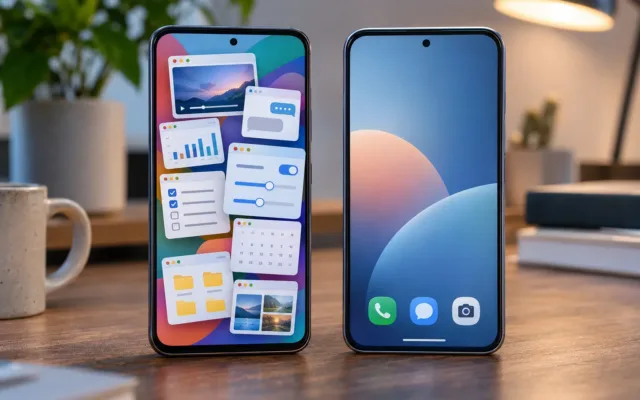

My Galaxy’s side button summons Bixby. Yes, that Bixby.
I didn’t land there out of loyalty. I tried making both ChatGPT and Claude my default assistant, and neither lasted. ChatGPT itself advised against it. Claude was smart enough, but it couldn’t reach the phone settings that Bixby flips without thinking.
That’s the whole problem with picking an AI assistant for Android, in one paragraph. The smartest chatbot doesn’t make the best assistant. The one with the deepest hooks into your phone does, and right now that’s Gemini, by a distance.
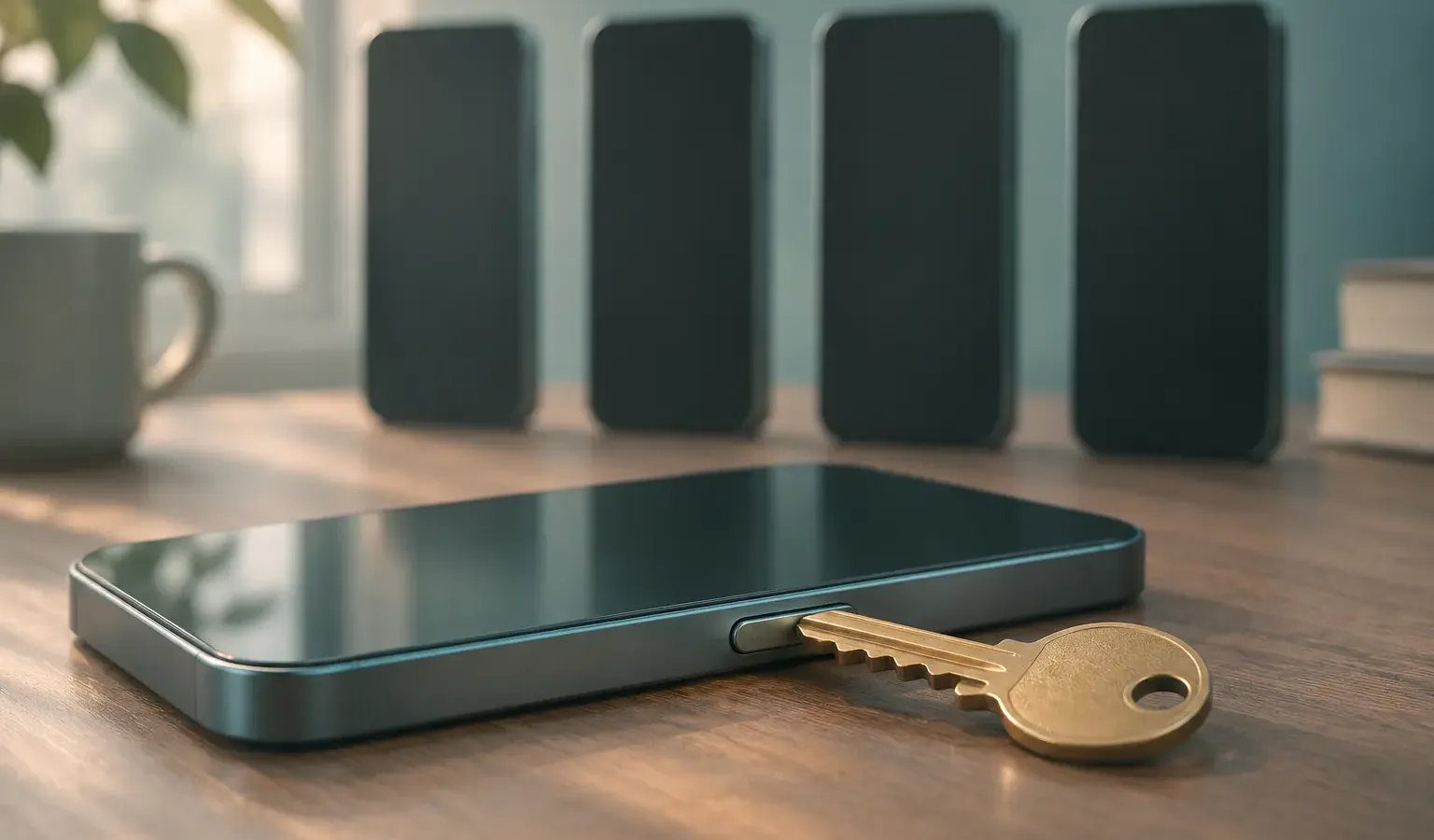
Gemini wins by default. Google owns the operating system, and it’s building the doors that let an assistant act inside your apps. ChatGPT and Claude can knock, but only Gemini has the key. Here’s what each one actually does on your phone today, and what OpenAI and Anthropic are doing instead of fighting on Google’s turf.
Smart Isn’t the Same as Integrated

Android has a slot called the default digital assistant. Whichever app fills it opens when you long-press the power button or swipe up from a bottom corner of the screen.
Any assistant app can apply for that slot. ChatGPT, Claude, and Perplexity all can, and Samsung phones add Bixby to the list. Getting the slot is the easy part.
The hard part is what happens after you press the button. An assistant earns its place when it can do things: change a setting, book the ride, add the event, find the photo. That depends on what Android lets it touch, and Android belongs to Google.
Think of a hotel. Anyone can stand at the front desk. Only the staff carry the master key card.
What Gemini Can Do on Android That Others Can’t
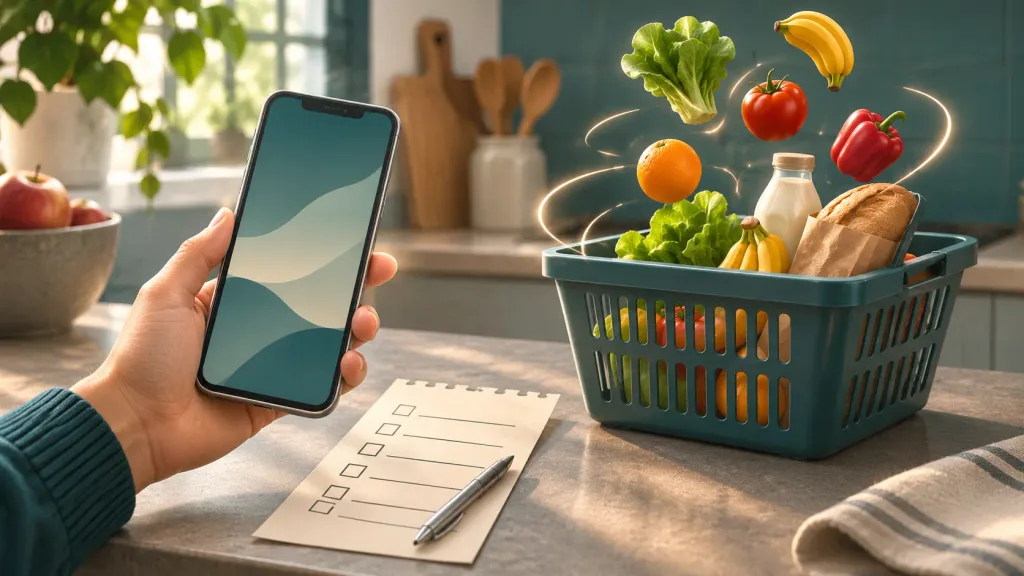
In May, Google announced Gemini Intelligence, a set of features rolling out in waves, starting with the latest Samsung Galaxy and Pixel phones. The headline is task automation. You tell Gemini what you want, it works through other apps in the background, and you only step in for the final confirmation.
It started small. When task automation launched on the Galaxy S26 in February, it handled six food delivery and rideshare apps, in the US and Korea only. By July, 9to5Google reported it covered more than 40 apps across shopping, restaurant reservations, travel booking, and event tickets.
Gemini Intelligence also brings:
- Screen context: long-press the power button over a grocery list in your notes and ask Gemini to fill a delivery cart from it
- Help in Chrome that summarizes and compares pages, and can handle chores like booking an appointment
- Smarter autofill that uses information from your connected apps, and only if you opt in
- Create My Widget, which builds a home screen widget from a plain description
My own Galaxy S25 Ultra wasn’t in the first wave, and that tells you something too. On Android, the best AI shows up first on the newest flagships.
The plumbing nobody else gets
The real advantage sits under the features. In February, Google described two new Android building blocks on the Android Developers Blog:
- AppFunctions lets an app publish a menu of actions an AI can call, like “create a note” or “show photos of my cat.” If you’ve heard of MCP (Model Context Protocol), the standard that lets AI tools plug into online services, Google compares AppFunctions to it directly. Think of it as MCP for the apps on your phone.
- UI automation is the fallback for apps that haven’t done that work. The system lets the AI operate the app’s screens the way you would.
Here’s the catch for everyone else. The AppFunctions documentation says an assistant needs a special permission to use these functions, and while the feature is experimental, only a limited number of apps and system agents get the full pipeline. Google wrote the doors, and for now Google decides who walks through them.
ChatGPT, Claude, Perplexity, and Bixby on Android Today
ChatGPT: a voice shortcut, not an agent
ChatGPT became an option for the default assistant slot in a March 2025 beta, as Android Authority reported. Long-press the power button and you land in ChatGPT’s voice mode.
That’s a faster way into the same chatbot. It doesn’t give ChatGPT control over your apps or settings, which may be why ChatGPT talked me out of it.
Claude: polite hand-offs
Claude’s Android app works through Android’s standard sharing system, the same way any app passes a draft to your email client. According to Anthropic’s help page, it can:
- Draft messages and emails, then open them in WhatsApp, Gmail, or your default app for you to send
- Read your calendar and create events
- Set alarms and timers
- Show places on a map and use your location for suggestions
- Read health data from Health Connect (paid plans, US only, in beta)
The same page lists the gaps. Reminders are iOS-only, and Claude has no direct access to your contacts. Changing system settings isn’t on the list at all, which matches what I ran into. The “turn this on, switch that off” requests Bixby handles were exactly where Claude came up short.
Perplexity: the closest challenger
Perplexity has offered itself as an Android default assistant since January 2025, with a set of apps it can act in, for jobs like booking a ride or playing music. Then it did something ChatGPT and Claude haven’t: it got a phone maker on its side.
Samsung built Perplexity into the Galaxy S26 with its own wake word, “Hey Plex,” plus side-button access. An early software update then removed the wake word, and Perplexity’s CEO said it would return as “Hey Perplexity,” according to Android Authority. Even with a manufacturer deal, a third-party assistant lives on borrowed hooks.
Bixby: not smart, but plugged in
Bixby was never the clever one. What it has is Samsung’s backing on Samsung’s phones, so it can reach system settings that outside apps can’t.
Samsung is also patching the brains. In January it announced that One UI 8.5 gives Bixby more conversational device control and Perplexity-powered web search, in select markets. The “not that smart” assistant now borrows someone else’s smarts and keeps its own keys.
AI Assistant for Android: Side by Side

| Gemini | ChatGPT | Claude | Perplexity | |
|---|---|---|---|---|
| Opens from the power button | Yes | Yes | Yes | Yes |
| Hands-free wake word | “Hey Google” | No | No | Only through Samsung’s S26 deal, currently in flux |
| Acts inside other apps | 40+ apps, newest phones first | No | Hands drafts and events to apps | A listed set of apps |
| Built into the system | Yes | No | No | On the Galaxy S26 only |
| Best at | Getting things done on the phone | Conversation and voice | Writing and thinking | Search answers with sources |
Are ChatGPT and Claude Trying to Catch Up?
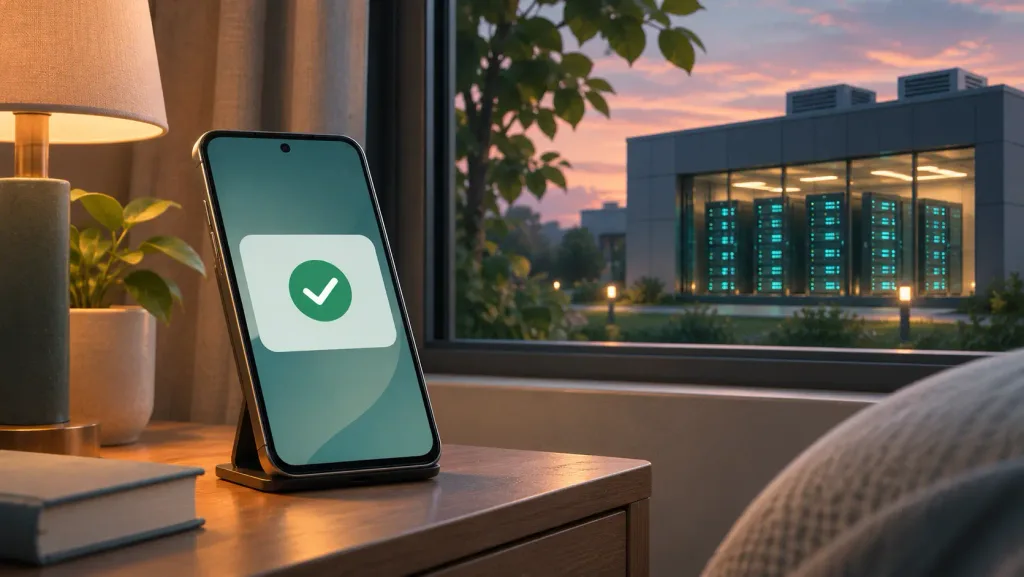
Yes, but not on Google’s turf. Both companies are building agents that live in their own cloud instead of inside your phone.
- OpenAI Dots launched on September 29. Each Dot is an always-on agent with its own cloud computer and browser that keeps working toward your goals in the background, as TechCrunch reported. At launch it was limited to top paid plans in eligible markets.
- Claude Duet opened as a research preview on October 21. It’s a standalone app for iOS and Android that keeps working when you step away and asks before sending, paying, or deleting anything. For now it’s a waitlist for Pro and Max subscribers in the US, per Unite.AI.
Look at where the work happens. A Dot or Duet books things through a browser on a server somewhere. Your phone becomes the place where you approve the result, not where the work gets done. That neatly sidesteps every permission Google controls.
The longer play is hardware. OpenAI told a court its first Jony Ive-designed device won’t ship before the end of February 2027, MacRumors reported. Separately, analyst Ming-Chi Kuo says OpenAI is fast-tracking an “AI agent phone” for mass production in the first half of 2027. That’s a supply-chain report, not an OpenAI announcement.
Anthropic has been reported testing a phone-control feature codenamed Orbit since March. I couldn’t confirm that it has shipped, so treat it as a rumor until Anthropic says otherwise.
My read: OpenAI and Anthropic aren’t trying to out-Gemini Gemini on Android. They know they can’t get the master key, so they’re building their own hotel.
Which One Should Sit on Your Power Button?
- You want the phone to do things for you: Gemini. Nothing else on Android acts inside other apps at that scale. Check whether task automation has reached your phone and country first.
- You’re on a Samsung and mostly change settings by voice: Bixby is still the practical pick for that one job. It’s my setup.
- You live in search and want sources: Perplexity, especially on a Galaxy S26.
- You want the best thinking partner: keep ChatGPT or Claude as an app on your home screen. You’ll open it for long conversations anyway, and the power button adds little.
Pro Tip: On Samsung phones you don’t have to choose just one. Go to Settings > Advanced features > Side button, set Press and hold to the assistant that controls your phone, and set Double press to open the chatbot you think best with.
The Power Button Belongs to Google, for Now
ChatGPT and Claude aren’t losing on Android because they’re less capable than Gemini. They’re losing because the best assistant is the one the operating system trusts, and Google writes the operating system.
That could change. If Google opens AppFunctions to third-party assistants once the feature leaves its experimental phase, this gets interesting fast. Until then, the honest answer for most people is Gemini on the button and a favorite chatbot one tap away.
Frequently Asked Questions
What is the best AI assistant for Android?
Gemini, for anything that involves your phone and apps. It’s the only one with system-level task automation across dozens of apps. For conversation and writing, ChatGPT and Claude are strong apps, just not deep integrations.
Can I set ChatGPT or Claude as my default assistant?
Yes. Both can fill Android’s default assistant slot, so a long-press of the power button opens them. They still can’t control your apps or settings the way Gemini or Bixby can.
Does Gemini task automation work on every Android phone?
No. It started on the Galaxy S26 and select Pixel 10 phones in the US and Korea, and it’s expanding gradually. Check the Gemini app’s settings to see whether it has reached you.
Is OpenAI making a phone?
OpenAI has said its first hardware device won’t ship before the end of February 2027. Reports of a full “AI agent phone” come from analyst Ming-Chi Kuo and haven’t been confirmed by OpenAI.