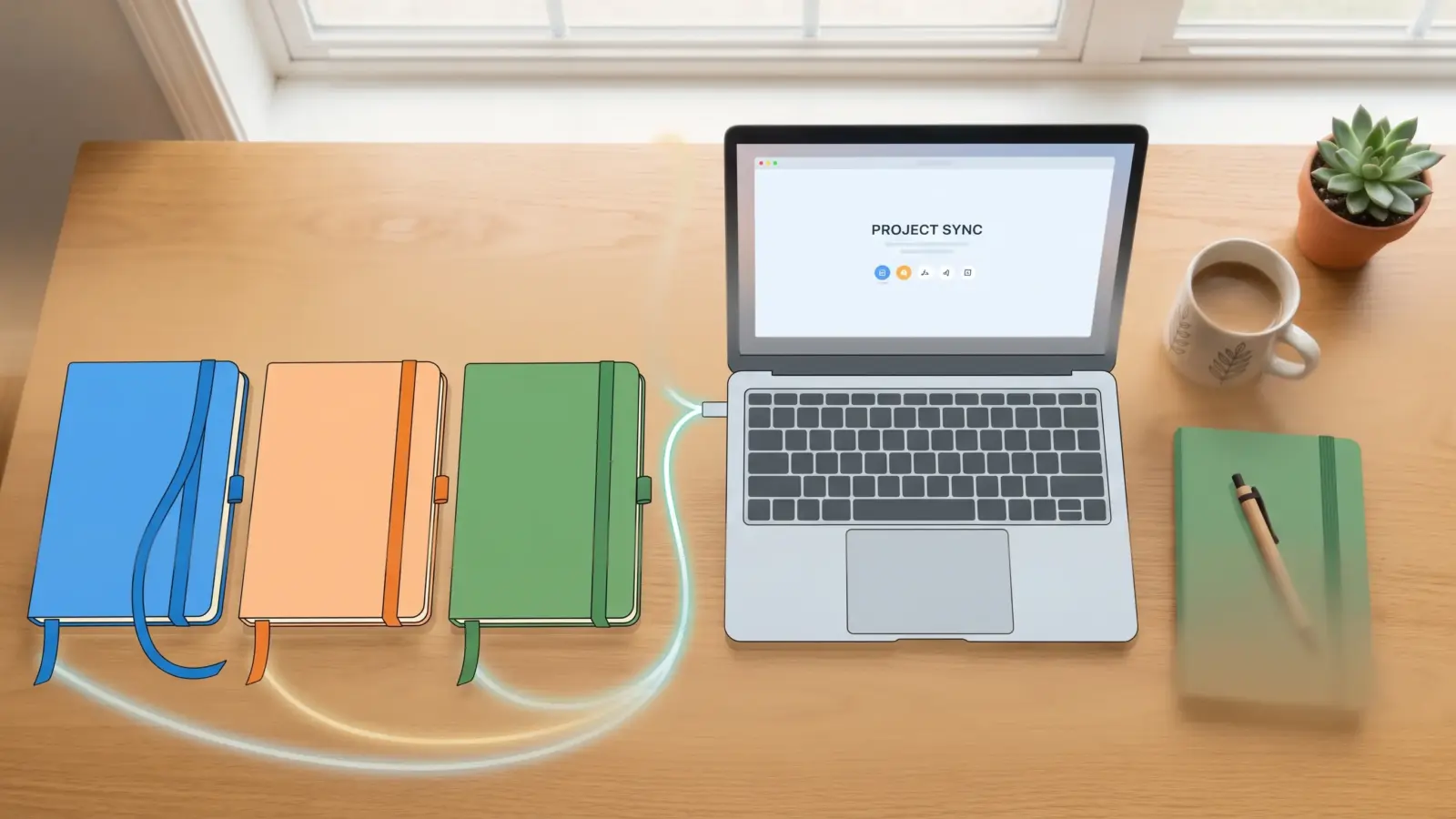

If you keep pasting the same “act as my editor, keep it short, use this tone” paragraph into every new chat, you’re doing manual labor an AI can do for you. The Gemini Gems vs Claude Projects question (plus ChatGPT’s version of the same idea) comes down to one thing: which one lets you write your setup once and never repeat it?
All three do that job, and all three have a free way in. But they aren’t identical, and one of ChatGPT’s two options is on its way out.
What Gems, Projects, and GPTs actually are
Every AI chat starts with a blank slate. These features let you pre-load the slate.
- Gemini Gems are saved versions of Gemini. You give one a name and standing instructions, and optionally some reference files, then reuse it whenever you need that job done.
- Claude Projects are workspaces. Each one has its own instructions, its own uploaded documents, and its own chat history, and every chat inside it uses that context automatically.
- ChatGPT has two answers. Custom GPTs are the direct equivalent of Gems. ChatGPT Projects are the equivalent of Claude Projects. Yes, that’s confusing, and it’s about to get simpler for reasons I’ll get to below.
Gemini Gems vs Claude Projects vs ChatGPT Projects at a glance
| Gemini Gems | Claude Projects | ChatGPT Projects | |
|---|---|---|---|
| Best for | One repeatable job (an editor, a tutor) | Ongoing work with a pile of reference docs | Ongoing work you may share with others |
| Sharing | Share like a Google Drive file | View or edit permissions per person | Invite people or share a link, depending on plan |
| Free plan? | Yes | Yes, up to five projects | Sharing works on Free too; file limits depend on plan |
| The catch | You can only create and edit Gems in the web app | Bigger knowledge capacity is paid-only | Number of files depends on your plan |
Quick tutorial: Gemini Gems
You build Gems on the web, then use them on web or mobile. Google’s Gems help page covers the official steps, and here’s the short version:
- Open Gemini in your browser and click Explore Gems, then New Gem.
- Name it and write the instructions. Cover what you want done, who it’s for, the tone, and the format of the answer.
- Not sure what to write? Type a few rough words and click Use Gemini to re-write instructions. Read the result and edit it, because a rewrite tends to over-explain.
- Under Knowledge, click Add files to upload documents. Pulling files from Drive requires connecting Google Workspace to Gemini Apps.
- Save it, chat with it, and adjust the instructions after the first few answers.
To share a Gem, use the share option from the Gem manager. If it has uploaded files, Google asks whether to share those too. Think about that before you click.
Quick tutorial: Claude Projects
Anthropic’s help center guide to projects is the reference here.
- Go to claude.ai and click Projects in the sidebar.
- Create a new project and give it a name.
- Set the project instructions. Claude uses them for every chat inside the project.
- Add your files to the project knowledge: PDFs, text, code, spreadsheets.
- Start chats from inside the project. Each one begins with your instructions and files already loaded.
Two details worth knowing. On paid plans, Claude switches to a retrieval mode when your knowledge gets big, which expands capacity considerably. And when you share a project, “can view” people can read everything in it, instructions and knowledge included. “Can edit” people can change it.
Quick tutorial: ChatGPT Projects
- Click Projects in the sidebar and create a new one.
- Open the ••• menu, choose Project settings, and add your instructions. Per OpenAI, they apply only inside that project and override your global custom instructions.
- Upload files. How many you can add depends on your plan.
- Move existing chats into the project if you like. They pick up its instructions and files.
- Hit Share to invite people. Once it’s shared, memory in the project stays inside the project.
How useful are they, really?
Useful, with an asterisk: they save you effort, but they don’t make the AI smarter.
The real payoff is the instructions. A good block of instructions turns a generic chatbot into something that answers in your format, at your reading level, with your rules, every single time. That alone justifies the ten minutes it takes to set one up.
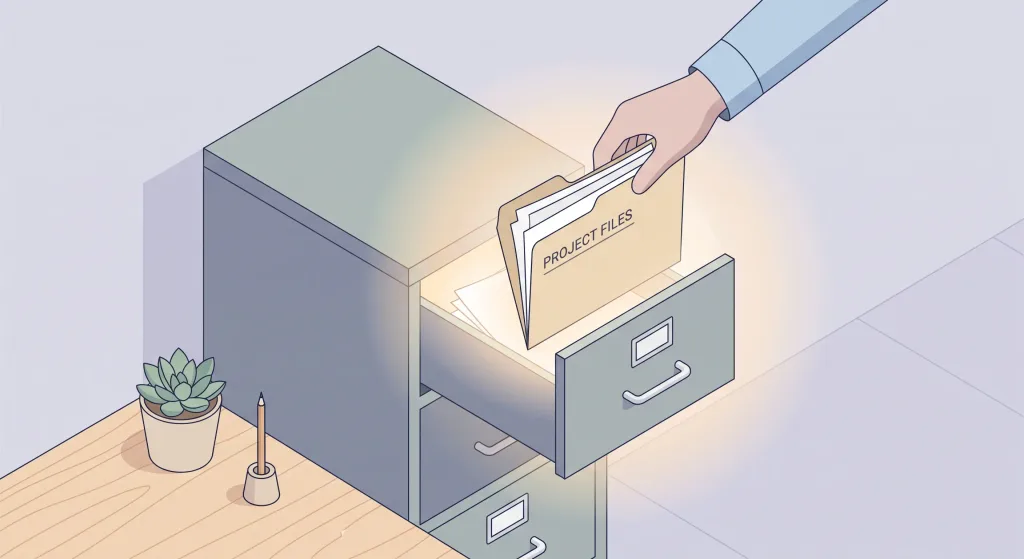
The files are a bonus, and people overrate them. A knowledge file helps when your question matches what’s in it, like a style guide, a syllabus, or a product manual. It does nothing for questions the file doesn’t cover, and an out-of-date file quietly feeds the model old information. Treat uploads like a shelf you have to dust.
I’ve been through this myself. I built a Gem for writing blog posts, with an image generator attached, and later I moved that blog-writing Gem into a Claude Project. [YOUR EXPERIENCE: why you moved it and what changed, such as what got easier or harder]
That kind of move works because a Gem is mostly its instructions, and instructions are just text you can carry to another tool. The files and the setup around them are what you rebuild.
Pro Tip: Put behavior in the instructions and background in the files. “Answer in three short paragraphs, plain English, no jargon” is an instruction. “Here’s our company glossary” is a file. Mixing them up is the most common way these setups underperform.
A simple starting template for any of the three:
Role: You are an editor for a tech blog aimed at non-technical readers.
Task: Tighten drafts I paste in. Keep my voice. Don't add new claims.
Format: Return the edited text, then a short list of what you changed.
Rules: Flag anything that sounds like an unverified statistic.
Where each one shines:
- Gems fit best when you want one tool for one job, like a proofreader or a study buddy, and you already live in Google’s ecosystem.
- Claude Projects fit best when the work has weight: a long piece of writing, a research pile, a codebase, anything where context builds up over weeks.
- ChatGPT Projects fit best when other people need to work in the same space, since sharing is available across plans.
What happened to custom GPTs?
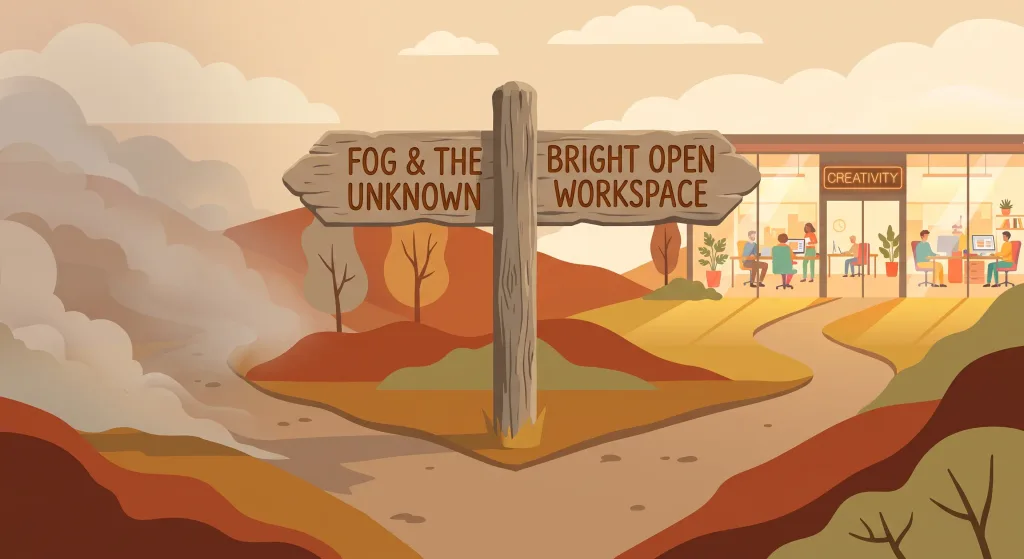
If you’re following older tutorials, here’s the twist. OpenAI has announced it’s retiring custom GPTs. According to its retirement and migration FAQ, custom GPTs are scheduled to retire on December 11, 2026, and creation of new ones is planned to end on October 26, 2026. Enterprise workspaces with an approved deferral get until February 11, 2027.
OpenAI’s replacement is plugins, which bundle reusable instructions, reference files, and connected apps. If you built GPTs with custom actions, plan for extra work, since those integrations have to be reviewed and rebuilt.
So if you want a ChatGPT setup today, skip GPTs and use Projects. Building on something with a shutdown date makes no sense.
Which should you set up first?
Take the tool you already open every day. The differences between these three are smaller than the difference between using one and using none.
- Already deep in Google apps? Start with a Gem for your most repeated task.
- Doing long-running writing, research, or coding? Try a Claude Project.
- Working with a team, or already living in ChatGPT? Set up a ChatGPT Project.
Pick one repeating task, write the four-line template above, and test it on real work this week. Adjust the instructions after every mediocre answer. That’s the whole method.
Frequently Asked Questions
Are Gemini Gems free?
Yes. Gems are available on Gemini’s free tier, though the model and usage limits depend on your plan.
Can I use a Gem on my phone?
You can use Gems in both the web and mobile apps, but creating, editing, or deleting them is web-only.
What is the ChatGPT equivalent of Claude Projects?
ChatGPT Projects. They group chats, files, and instructions in one workspace. Custom GPTs are the closer match to Gems, and they’re being retired.
Should I still build a custom GPT?
No. OpenAI has scheduled custom GPTs for retirement on December 11, 2026 and is steering people to plugins. Build in Projects instead.
Do instructions or files matter more?
Instructions. They shape every answer. Files only help when a question actually touches what’s inside them.