
Antivirus software isn’t dead. Paying a separate company for it, on most devices, mostly is. Windows, macOS and Android now ship their own protection, and the 2026 lab results say it holds up against the paid suites.
What changed is the threat. The nasty stuff today steals your logins rather than wrecking your files, and a classic virus scanner is the wrong tool for a lot of it. Here’s the full picture.
In my own case, I haven’t run anything beyond the built-in security suite for the last 10+ years, plus common sense about what I click and download. I squeeze my computer for every bit of performance it has, and I hate handing a chunk of that to a third-party AV sitting in the background. No infections so far, at least none that I know of.
Is antivirus software still worth paying for on Windows?
Mostly no. Microsoft Defender, the protection built into Windows, has spent years in the top tier of independent tests.
AV-TEST, a lab that runs standardized tests on security products, gave Defender 6 for protection, 5.5 for performance and 6 for usability in its May–June 2026 round. That’s 17.5 out of 18, which meets the bar AV-TEST sets for its Top Product award.
A second lab, AV-Comparatives, threw 400 real-world attack cases at products between February and May 2026. Defender blocked 396. A few paid products blocked one or two more, according to WindowsForum’s breakdown of the results. For a home user, that gap is noise.
It isn’t flawless. Defender leans hard on Microsoft’s cloud, so its local-only layer is thinner than its online protection. For a PC that’s online all day, that rarely matters.
Pro Tip: Never run two real-time antivirus products side by side. According to WindowsForum’s summary of Microsoft’s guidance, Defender switches itself off when another one is installed, so buying a suite replaces Defender instead of adding to it.
What about Mac, Android, iPhone and Linux?
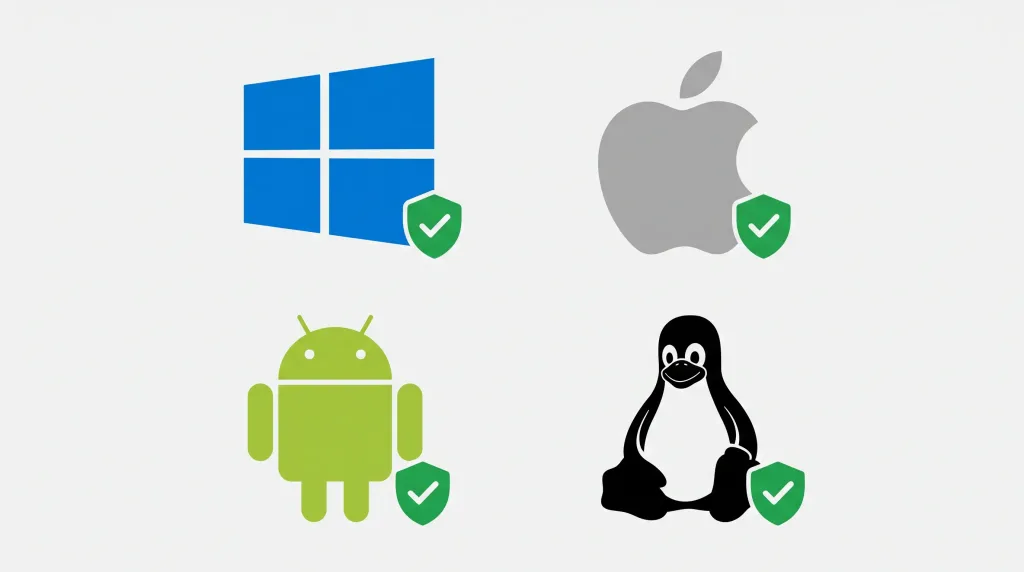
Each platform has its own answer. Here’s the short version first.
| Device | What’s already built in | Extra antivirus software needed? |
|---|---|---|
| Windows | Microsoft Defender | Usually no |
| Mac | Gatekeeper, notarization, XProtect | Usually no |
| Android | Google Play Protect | Usually no, but keep Play Protect on |
| iPhone | App sandboxing, App Store review | No |
| Linux desktop | Permissions, signed packages | No, except on file servers |
Mac
Apple describes three layers of defense: Gatekeeper and notarization try to stop malware from launching, and XProtect, a signature-based scanner, blocks and removes what slips through. Apple updates XProtect’s signatures on its own, and macOS checks for them daily by default.
That doesn’t make Macs immune. KELA’s 2026 cybercrime report says attackers increasingly go after macOS to steal browser credentials and tokens, as Cybernews reports. What gets through is usually the user, not the defenses.
Android
Google Play Protect scans all apps on the device, whatever their source. Google says its real-time scanning caught more than 27 million new malicious apps from outside Google Play in 2025, per the Google Online Security Blog.
That number shows the protection working, and it also shows where the danger lives: sideloading. Leave Play Protect on. A second scanner app adds little. The wider iOS vs Android trade-offs are in my earlier iOS vs Android comparison.
iPhone
Apple sandboxes every third-party app, which is designed to stop one app from reading or changing another app’s data. As far as I can tell, that’s also why an “antivirus” app on an iPhone can’t scan the rest of your phone. It can’t see it. My rule: don’t install one.
Linux
This one is my opinion, not a study. Classic self-spreading viruses are rare on Linux desktops. The ArchWiki lists ClamAV, a signature-based scanner, as one of the few actively developed anti-malware options, and it makes the most sense when a Linux machine is a point where files come in, like a file server that Windows users pull from. On a desktop, updates and careful package sources do more.
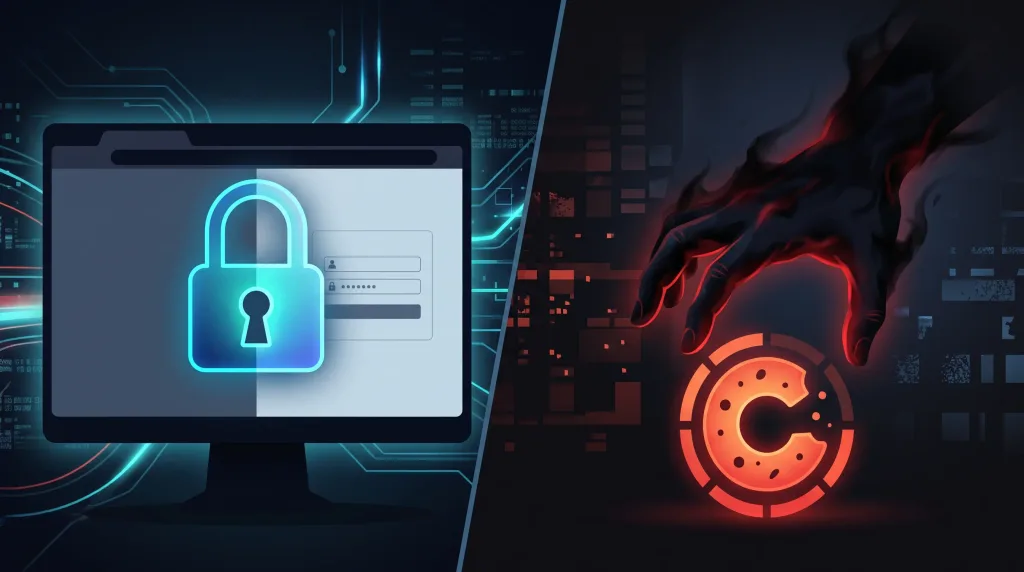
Where the real threat went: your logins
The malware that worries security people right now is the infostealer. It’s a program that quietly grabs saved passwords, session cookies and crypto wallets from your machine and ships them to criminals. Flashpoint’s mid-2026 report counts 7.4 million infected devices in the first half of the year, up 27%, and 1.7 billion stolen credentials.
Session cookies are the sneaky part. A cookie is proof that you already logged in, so a stolen one can sidestep multi-factor authentication. Many variants also run, steal and delete themselves in seconds, which leaves little for a scanner to find.
Most of it arrives through cracked software, malicious ads and booby-trapped downloads. No subscription can protect you from a crack you chose to run. Your habits are the real security product. Blocking malicious ads at the browser level helps too, and I compared the options in my post on privacy browsers.
What to do instead of buying another subscription
Spend the money and attention here:
- Keep Windows Security, XProtect and Play Protect switched on, and let them update.
- Update your OS and browser as soon as patches land.
- Use a password manager and passkeys where sites offer them. Browsers keep saved logins in local database files that stealers target.
- Turn on multi-factor authentication everywhere, preferably an app or a hardware key rather than SMS.
- Download software from official sources and skip the cracks.
- If you suspect an infection, change your passwords from a clean device and sign out of all active sessions. Cleaning the malware alone isn’t enough.
When paying still makes sense
A parent who wants one dashboard for the family’s devices, or a small office that needs centrally managed protection, has a real reason to pay, as WindowsForum’s guide points out. Buy for those features. Don’t buy for a better virus scanner.
My verdict
Skip the subscription if your device is current and you download carefully. Antivirus software didn’t die. It moved into the operating system and became a feature.
Put your effort into a password manager, quick updates and not running cracks. If you’re running a business, a file server or a house full of relatives who click everything, revisit the question.
Frequently Asked Questions
Is Windows Defender enough in 2026?
For most home users on an updated Windows 11 PC, yes. It scored 17.5 out of 18 at AV-TEST in May–June 2026 and blocked 396 of 400 attacks in AV-Comparatives’ real-world test. Pair it with good browsing habits and a password manager.
Do Macs need antivirus software?
Usually not. macOS ships with Gatekeeper, notarization and XProtect. Macs are still targeted by credential stealers, so what you install matters more than what you buy.
Do I need antivirus on my iPhone?
No. iOS sandboxes apps so they can’t reach each other’s data, which limits what malware can do and what an antivirus app could even inspect. Keep iOS updated and stay away from unofficial profiles and links.
Do Linux users need antivirus software?
Not on a typical desktop. ClamAV is worth adding on a file server or any machine that hands files to Windows users. On a desktop, updates and careful sources do more.